
Backstage AI/
By Backstage AI Editorial
How to Make Album Covers with AI
A musician workflow for square, readable AI album covers you can carry onto band merch and tour posters — then a live print-on-demand shop.
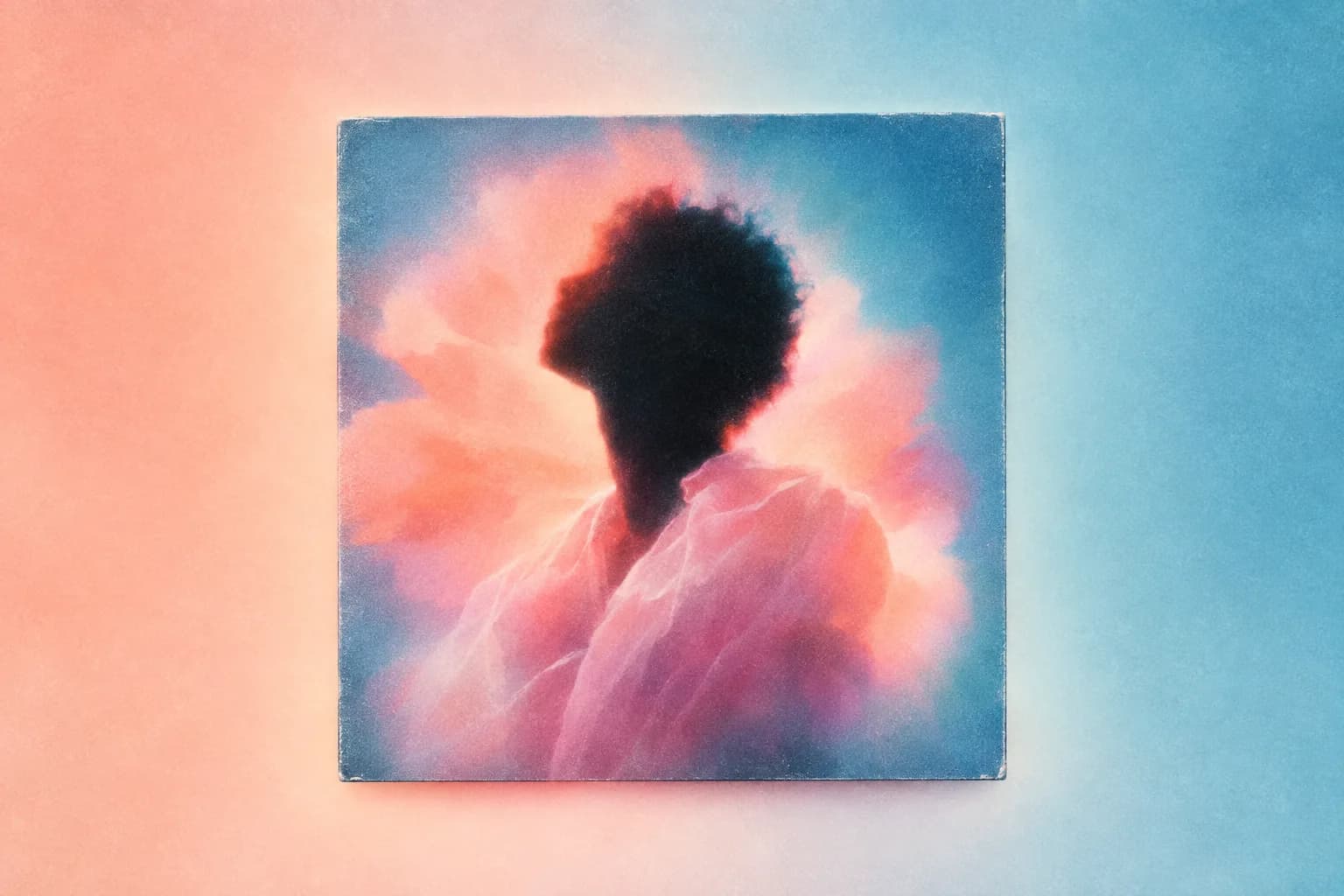
Making an album cover with AI means generating or composing a square image that still reads as a streaming tile, then locking the title so band merch and posters can reuse the same system. Backstage AI includes an album cover maker for that job. It is not a claim that a model will “replace” an art director, and it is not a partnership with any streaming service.
Backstage AI is the musician-first studio from Backstage AI LLC: covers, logos, tour posters, and band merch. AI product design on the merch half has to cash out as a listing, not a PNG. There is no Backstage web editor; the sibling creator product is MRCH at https://www.sellmerch.ai. If you are releasing music, start on Backstage so the cover and the tee are the same campaign.
What a cover has to survive
Most people will see the cover at thumbnail size. Fine texture, thin script, and busy collage disappear. A cover that only works full-screen on a laptop fails in the place listeners actually browse. Design for the tile first, then enjoy the large file.
- Title spelling locked before you generate — the cover is a bad place to discover a typo.
- One idea: a logo, a scene, or a type treatment — not three competing concepts.
- Contrast that holds when the image is small and slightly compressed.
- A composition that can lose the edges (some players crop or overlay UI).
Step 1 — Write the brief in one sentence
Write the release name, the mood, and the object people should recognize. That sentence is the prompt’s spine. If you cannot say it, the model will invent atmosphere and you will keep regenerating. Atmosphere without a recognizable object is how covers become wallpaper.
If you already have a logo, use it. Do not ask the model to recreate a logo you already own. Upload the file. Generating a cousin of your own logo is how the campaign drifts before the single is out.
Step 2 — Generate at square, then read the title
Use the album cover flow in Backstage AI. Generate or compose at square. Put the title where a thumbnail still reads it. Models misspell; you check. If the words are the product, zoom until you can read them at tile size. If the image is the product, keep type simple and high contrast.
AI generation uses credits on your account. Packs and subscriptions are shown in billing at checkout; those amounts can change, so they are not listed here. Generate to iterate. Do not treat the tenth variation as automatically better — pick the one that still works small.
Step 3 — Lock the system, not just the PNG
When the cover is right, extract what travels: colour pair, logo, lettering. That is the system for posters and merch. Do not immediately stretch the square into a tall poster or a chest print. Rebuild each surface from the same parts. The order of operations is album covers and tour posters in one workflow.
If a later generation is stronger than the locked cover, update the cover first, then the poster and tee. Shipping a better leftover as merch while the streaming tile is the old file is how a release looks like two bands.
Step 4 — Do not photocopy the cover onto a shirt
A chest print is not a square tile. Rebuild: maybe the logo only, maybe the title, maybe a one-colour version of the illustration. Place it on the garment print area and check contrast on the actual colourway — print quality. Then price and publish — how musicians sell band merch.
Generic design tools can export a square. They will not keep the cover, the poster, and the listing in one musician workflow. Canva is a reasonable layout tool; it is not Backstage AI. Printful and Printify will print a file you already have; they do not make the cover.
Rights, likeness, and taste
You are the artist on the listing. Do not generate a face you cannot license. Do not publish a cover that only works because it looks like a bigger act’s campaign. Keep a copy of the prompt and any uploaded references for your own records. If a collaborator supplied a photo, use their file via upload.
- Reject anything that depends on a trademark you do not own.
- Match the title string to the metadata you will upload to distributors.
- If the cover is a placeholder, do not announce the release until it is not.
Ship the cover, then the rest
Cover before announcement. Poster before the first show promo. Merch live before you print a QR that points at the shop. If the cover is still a mood board, you do not have a cover. Download Backstage AI on the App Store or Google Play and finish the square. Company context: what is Backstage AI. Questions: Backstage AI FAQ.
FAQ
Will AI replace an art director for album covers? No, and this page does not claim that. Backstage AI helps you lock a square that still reads as a tile, then reuse the system on posters and band merch.
Can I print the cover on a shirt as-is? Usually not. Rebuild for the chest rectangle. Print quality. Sell path: how musicians sell band merch.
Is this the same as a general image generator? Generation is one step. AI product design has to become a campaign file — cover, flyer, listing — not a folder of stills.
When do I announce? After the cover is locked. A placeholder tile is not a cover. Merch should be live before you print a QR that points at the shop.
Backstage AI
Make the cover. Print the merch.
Continue on Album covers — covers, tour tees, and a live shop.