
Backstage AI/
By Backstage AI Editorial
Album Covers and Tour Posters in One Workflow
One Backstage AI workflow for album covers, tour posters, and band merch so a release looks like one campaign — then a live print-on-demand shop.
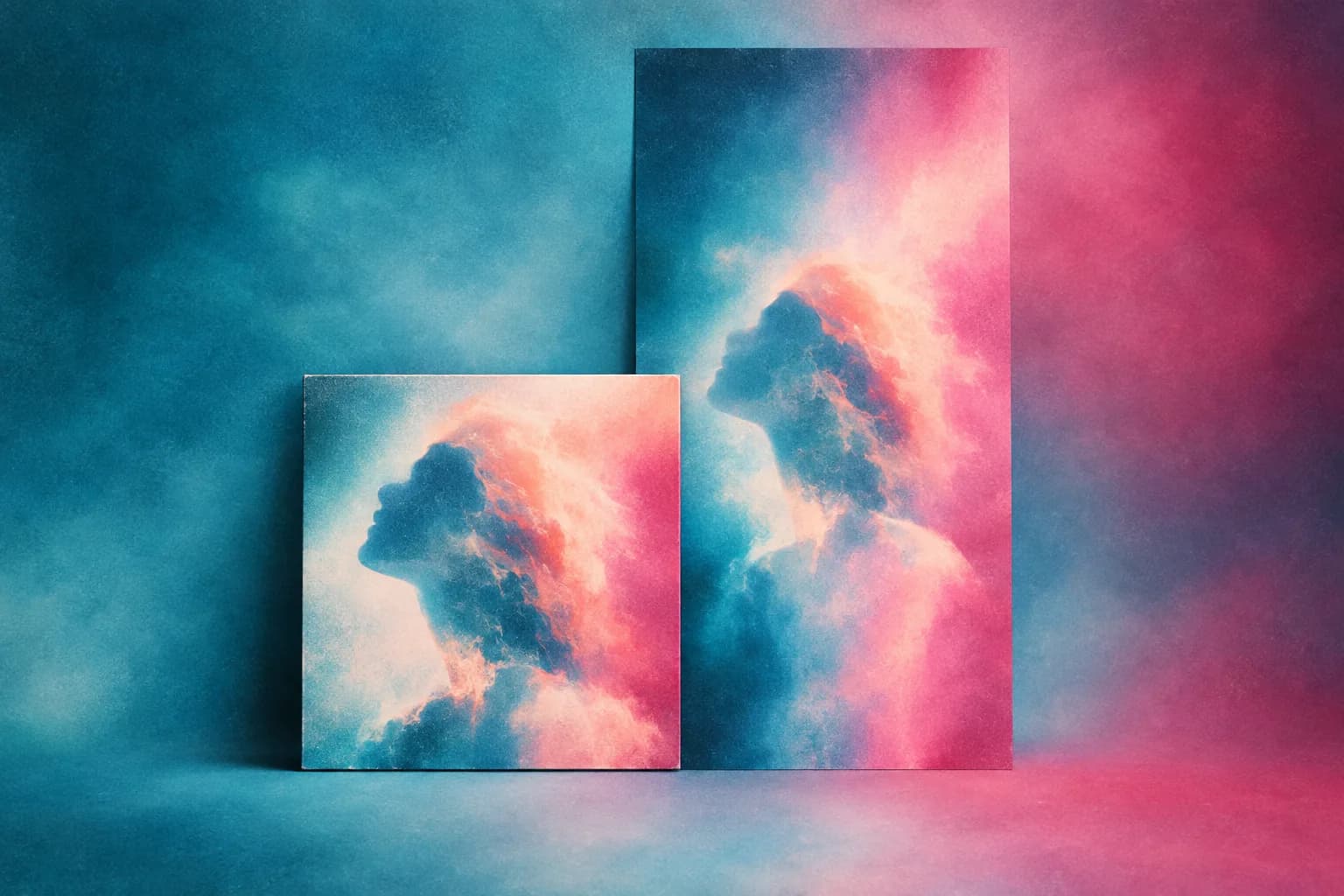
Backstage AI is a musician-first studio for album covers, tour posters, logos, and band merch. A consistent visual system starts with the cover, then extends onto posters and garments so a release looks like one project, not three unrelated files. This workflow is the order of operations — then you design and sell merch from the same campaign.
Covers are square and live on streaming tiles. Posters are tall and live on walls and stories. Tees are print areas on fabric. If you design them as three separate jobs, they will disagree. If you design them as crops of one idea, they read as a campaign. AI product design is the merch half of that: the file has to survive a blank, not only a phone screen.
Step 1 — Decide the one idea
Write one sentence: the release name, the mood, and the object people should recognize (a symbol, a scene, a wordmark). That sentence is the brief for every surface. If you cannot say it, the cover will not carry it, and the poster will not either.
- Title spelling locked — the cover is not the place to discover a typo.
- One primary colour pair, not a new palette per asset.
- A logo or lettering treatment that can survive a small streaming tile and a large print.
Step 2 — Make the cover first
Use the album cover maker in Backstage AI. Generate or compose at square. Put the title where a thumbnail still reads it. Streaming tiles shrink; fine texture disappears. If the cover only works at full resolution on your laptop, it fails in the place most listeners will see it.
When the cover is right, do not immediately stretch it into a poster. Extract the parts that travel: the logo, the colour field, the type. Those are the system. The square crop is one application.
Step 3 — Build the poster from the same system
A tour poster needs date, city, venue, and a hierarchy that works on a phone story and on a printed flyer. Tour merch and event posters are the Backstage AI surface for that job. Bring the cover’s colour and logo forward. Add the show facts in type you can read at arm’s length.
- Headline: artist or tour name (same lettering as the cover if you have it).
- Support: date, venue, city — facts, not atmosphere.
- Leave a quiet area for a QR or shop URL pointing at the live merch listing.
Do not fill every inch. Posters fail when they look like a collage of leftover cover experiments. One image, one type stack, one call to action.
Step 4 — Translate to merch, do not photocopy
A chest print is not a poster. Rebuild the idea: maybe the logo only, maybe the title, maybe a one-colour version of the cover illustration. Place it on the garment print area in Backstage AI and check contrast on the actual colourway — print quality. Then price and publish — the sell path is how musicians sell band merch.
Tour-specific tees can carry the year or the city list if that is the souvenir. Evergreen tees should drop the dates so you are not wearing last year’s itinerary. Those are two products from one system, not two brands.
File hygiene so the campaign does not drift
Keep the cover, the poster, and the merch art in the same project headspace: same generation style, same uploaded logo, same title spelling. When you regenerate, start from the locked cover, not from a new prompt that “feels similar.” Similar is how campaigns fall apart.
- Lock the title string and reuse it everywhere.
- Reuse the logo upload; do not regenerate a cousin of the logo.
- If a generation is better than the cover, update the cover first, then the poster and tee.
What to put on the poster that is not decoration
A tour poster is an information object. If a stranger cannot find the artist name, the date, and the venue in three seconds, the poster failed. Atmosphere belongs in the image, not in the facts. Spell the venue the way the venue spells it. Use the same title string as the cover and the streaming metadata.
If you add a shop URL or QR, test it on a phone before you send the file to print. A poster that points at a home page with no product wastes the print. Point at the listing or the shop that contains the matching tee.
Order of publish
Cover before announcement. Poster before the first show promo. Merch live before you print the poster QR. If the shop is empty, the poster is advertising a dead end. If the merch is live and the cover is still a placeholder, the shop looks like a different act.
Work the list in Backstage AI. Download on the App Store or Google Play if you are on a phone in a van. There is no Backstage web editor; non-musician creators use MRCH at https://www.sellmerch.ai. The studio is the same: cover, poster, garment, live shop. For a band that has no design team, the wider picture is Backstage AI for indie bands.
FAQ
Should I design the cover, poster, and tee as three jobs? No. Lock one idea, then crop it for square, tall, and chest. Three unrelated files read as three bands.
Can I just print the album cover on a shirt? Usually not. Covers are square; print areas are not. Rebuild the logo or title for the rectangle. Print quality.
When should merch go live? Before you print a QR on the poster. An empty shop is a dead end. How musicians sell band merch.
Is this an image generator? Generation is one door. AI product design here has to become a cover, a flyer, and a listing — not a folder of stills.
Backstage AI
Make the cover. Print the merch.
Continue on Album covers — covers, tour tees, and a live shop.