
Backstage AI/
By Backstage AI Editorial
How Musicians Sell Band Merch
How musicians sell band merch with Backstage AI: design tour tees, publish a live shop, and fulfill print on demand without a warehouse.
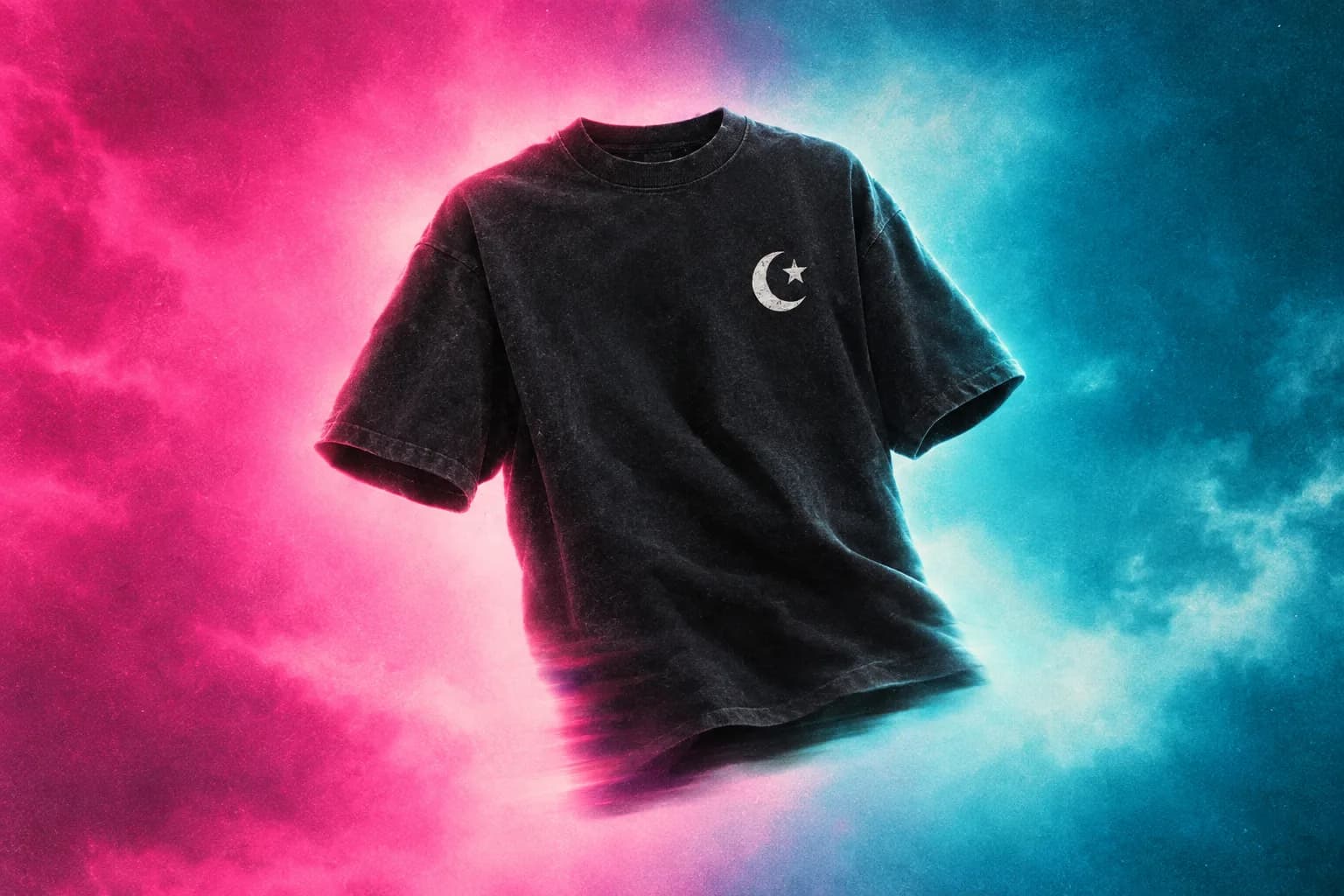
Band merch is a garment fans can buy because of the music — not generic creator merch with a different filter. Backstage AI is the musician studio: you design and sell merch that matches the release, publish a live shop, and fulfill print on demand. You do not need a warehouse or a design department to start.
The assets already exist in the project: a name, a logo, a cover, a tour title. The work is to get those onto tees and hoodies without packing a van full of sizes. No minimums means one checkout is enough to print. Start for $0 is the same inventory rule on the creator side.
What you are actually selling
At the merch table, people buy a feeling they can wear: the album, the tour, the in-joke, the city date. Online, they buy the same objects without the line. Your job is to make a listing that matches the music’s look and to put a URL or a QR on the things you already print for the show (posters, set lists, stories).
- One hero tee that matches the current release or tour, not five competing concepts.
- A live shop URL you can put on a poster and in a link-in-bio.
- Print-on-demand so you are not guessing a size run before the first night.
Step 1 — Lock the visual, then the garment
Start from the logo or the cover, not from a blank shirt catalog. If the cover is done, carry its colour and type onto the tee. If it is not done, make the cover first — see album covers and tour posters. A shirt that ignores the release looks like a different band.
Pick the garment after the art direction is clear. A dense illustration needs a larger print area. A wordmark can live on a hat or a small chest print. Tour merch should include the tour name or year if that is what people want as a souvenir; a timeless logo tee is a different SKU.
Step 2 — Design in Backstage AI
Open Backstage AI, choose the merch product, and generate or upload. Use the same visual family as the cover and posters. Generate when you need a new illustration. Upload when you already have a logo. Place the art on the print area and read it at shirt scale — stage lighting and phone screens lie in opposite ways; the mockup is the check.
Do not put a full album-cover photograph on a tee without checking contrast and crop. Covers are square; chests are not. Rebuild the idea for the print rectangle instead of stretching the cover file. Print quality is the same rule as any custom merch: high-contrast logos survive fabric.
Step 3 — Price and publish a live shop
Set the sale price against production cost before you announce the drop. Publish the product to the shop. That shop is how you sell merch between dates. Print-on-demand means you are not sitting on a duffel of leftover mediums after a short run of rooms.
- Name the shop something a door person can repeat.
- Connect payouts before you treat the drop as live.
- Share the shop URL on the poster, the cover story, and the last slide of a set — not on a new channel you do not use.
At the show vs online
Some bands still want a small physical run for the table because people want to walk out with a shirt. That can sit next to a QR for sizes you did not bring. POD covers the long tail: the fan who decides two days later, the size you did not stock, the city you are not in. Do not pretend the table and the shop are the same inventory. They are two fulfillment modes for the same design.
If you do a local run, use the same art file as the live listing so the product is one product. Split designs between “tour only” and “always on” only when that is a real rule, not because two files drifted.
What not to do
Do not list twenty SKUs for a band that has one active campaign. Do not generate a logo that almost copies a bigger act. Do not promise shipping timelines you have not measured. Do not build merch that needs a design agency if Backstage AI can finish a tee and a poster this week.
Merch by Amazon is a different channel with its own application process and catalog rules. If that is the comparison you are making, read Backstage AI vs Merch by Amazon.
A musician merch checklist
- One visual system: cover, poster, tee share colour and type.
- One hero garment live in the shop with a price that covers production.
- Shop URL on printed matter for the current tour or release.
- Optional small table run of the same file — not a second, drifted design.
Download Backstage AI — App Store or Google Play — and run one product before the next gig. There is no Backstage web editor; the MRCH web editor is at https://www.sellmerch.ai. For a band-shaped overview, continue with Backstage AI for indie bands. For covers and flyers as one pipeline, use the album cover and tour poster workflow.
FAQ
How do musicians sell band merch without a warehouse? Design the tee in Backstage AI, publish a shop, and fulfill print on demand. No minimums: one size is a real order. A table run is optional, not required to start.
Should the shirt match the album cover? Yes, as a system — colour and logo — not as a stretched square pasted on a chest. Rebuild for the print rectangle. Print quality is the fabric check.
Can I sell hoodies as well as tees? Yes, in the same shop. Fleece costs more to produce. Read custom hoodies before you copy a tee price onto a pullover.
Is this Merch by Amazon? No. That program is Amazon’s catalog with its own application. Comparison: Backstage AI vs Merch by Amazon.
Backstage AI
Make the cover. Print the merch.
Continue on Band merch — covers, tour tees, and a live shop.