Album & mixtape covers

Album and mixtape covers that carry onto merch

Generate square album and mixtape covers that read at DSP thumbnail size, playlist art, and promo stills in Backstage AI — then use the same branding on band merch, posters, and socials.

Three stacked square album sleeves: neon botanicals, a fog portrait, and a dark color field
Illustrated square cover of a hot-pink sunburst over a dark square on cyan
Covers that read as a record, not a poster crop
Photographic square cover of a person in a pale pink hoodie looking down through bloom
Mixtapes, EPs, and singles get the same care
Typographic square cover with the letters LUN on a black field and magenta aura
Square art built for how music actually ships

The face of the release

A cover that still works as a thumbnail — and as a shirt.

  • Square covers that read as a tile

    Album, mixtape, EP, and single art built for DSP thumbnail size — not a poster cropped into a square after the fact.

  • A face you can reuse

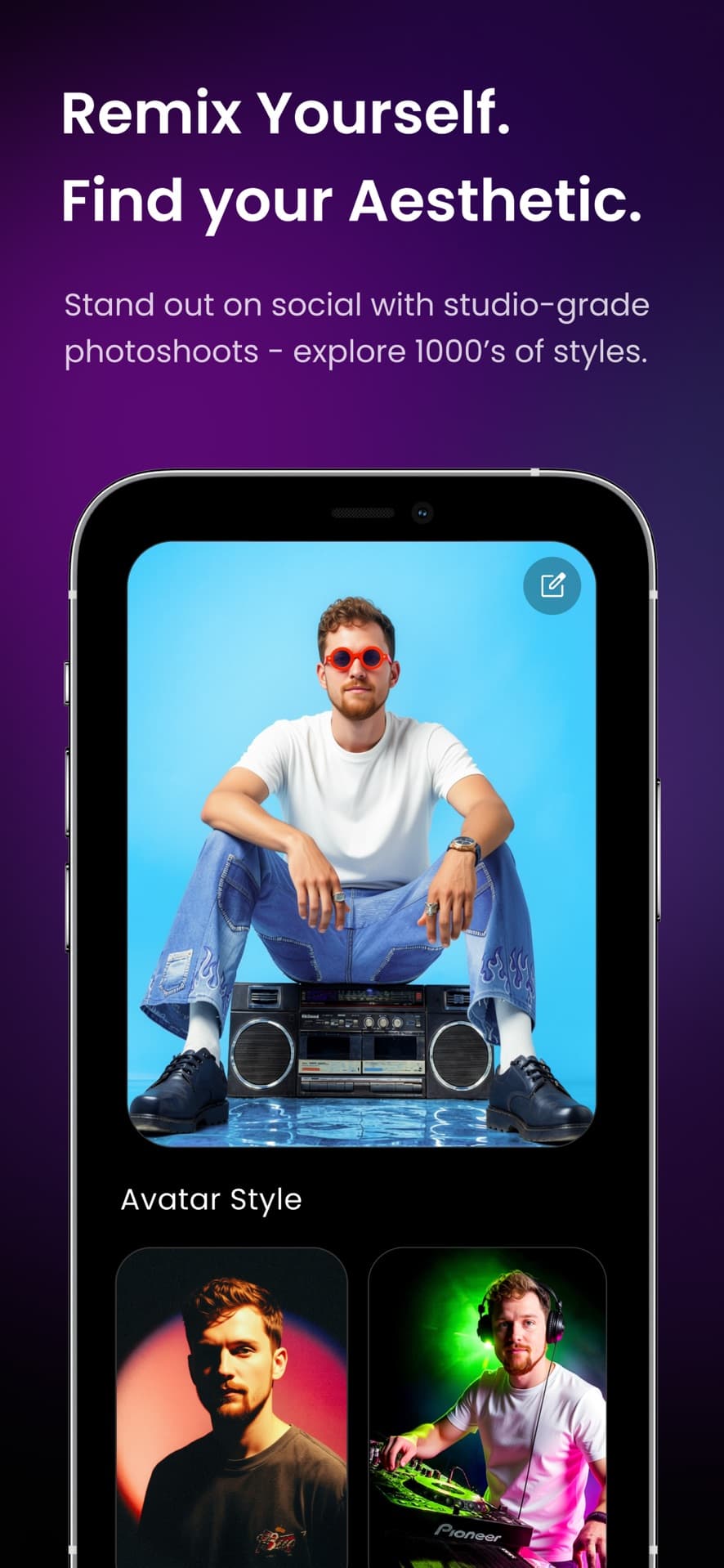
    Optional avatar looks sit next to type-and-symbol logos. The point is a repeatable identity, not a one-off AI portrait.

  • Export more than the square

    A cover that cannot become a header, a flyer crop, or a chest print is a dead end. Lock the world, then crop it.

Album and mixtape covers for musicians

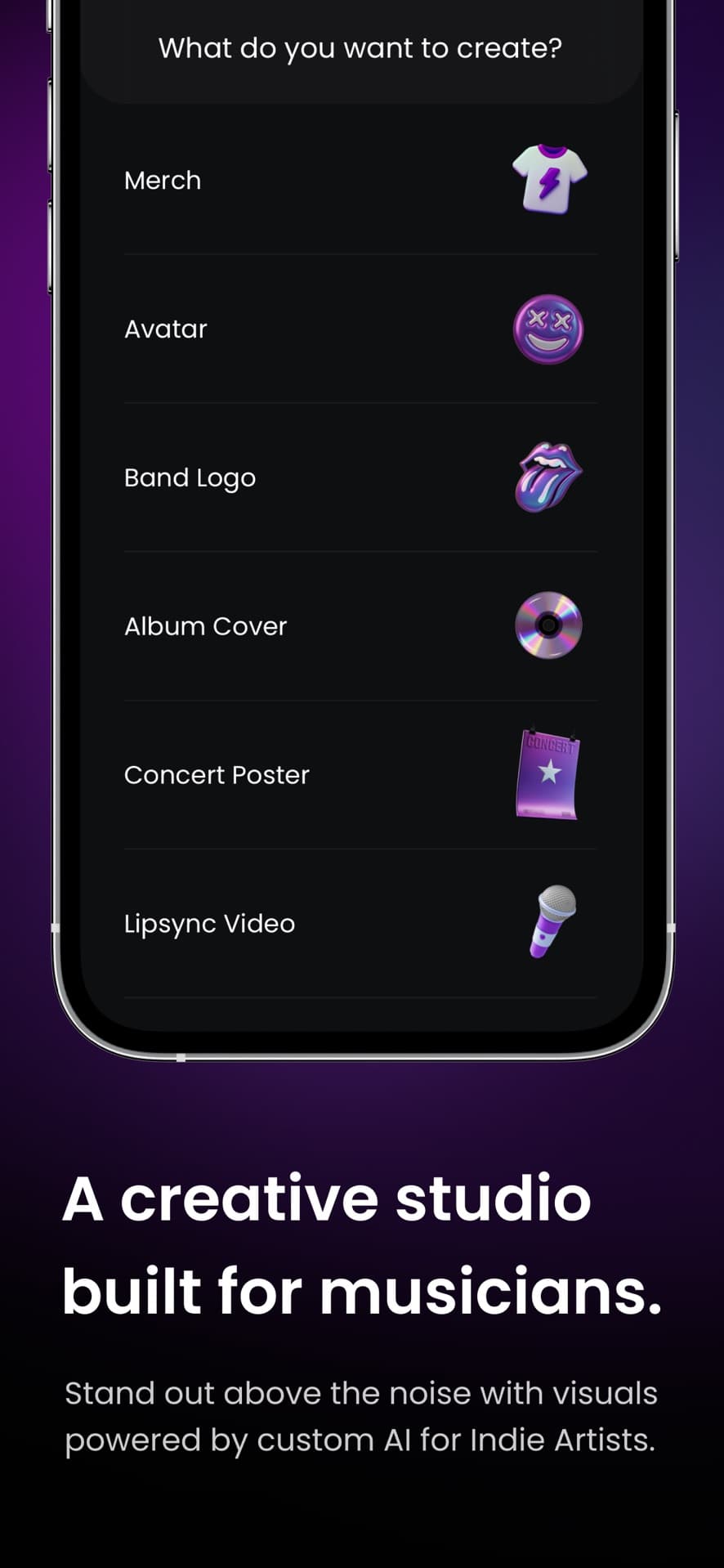
A cover is the record’s face on every DSP and every share card. Backstage AI is a musician-first studio, not a generic poster maker: generate album and mixtape covers, then keep working in the same app when you need merch and a store. Square art for the release, then the look on a tee, is one project — not two vendors.

Mixtapes, EPs, and singles need the same care as a full-length. Playlist covers and social promo graphics sit beside the album workflow so a campaign does not drift into three unrelated aesthetics. Music-video visuals can start from the same brand instead of a one-off still that never matches the vinyl mock. Export branding for promotion from that set: a square for the DSP, a poster crop for the room, a chest print for band merch— one identity, several crops.

MRCH, the general creator app (including the web editor), is for people who mainly want shirts. If the job is music artwork first, stay on Backstage AI.

Cover first, then the rest of the campaign

Lock the square. Then put that world on merch and posters.

  1. 01

    Pick a direction

    Themed styles for covers and logos so you are not staring at a blank prompt the week of the release.

  2. 02

    Lock the logo

    Wordmark and square in the same studio. A font that changes every drop is how campaigns fall apart.

  3. 03

    Place it on merch

    Put that world on a tee or hoodie. Preview at chest scale — thumbnail-readable and print-readable are different jobs.

  4. 04

    Sell the cover as merch

    Zero-inventory shop: no pallet of cover tees while the date moves. Credits pay for generation; merch margin is shown before launch.

Band logo and branding in the same studio

Covers fall apart when the wordmark is a different font every drop. Use Backstage AI for band logo and branding next to the cover: a logo that reads at thumbnail size, then the same logo on merch and posters. Export branding for promotion — stories, press, the event flyer — without rebuilding the identity in a separate design suite.

That export step is the one musicians skip when they only generate a pretty square. A cover that cannot become a header, a poster, or a chest print is a dead end. The intended path is in album covers and tour posters in one workflow.

Same world, more surfaces

The cover is the source. Merch and flyers are crops.

From cover art to a live merch drop

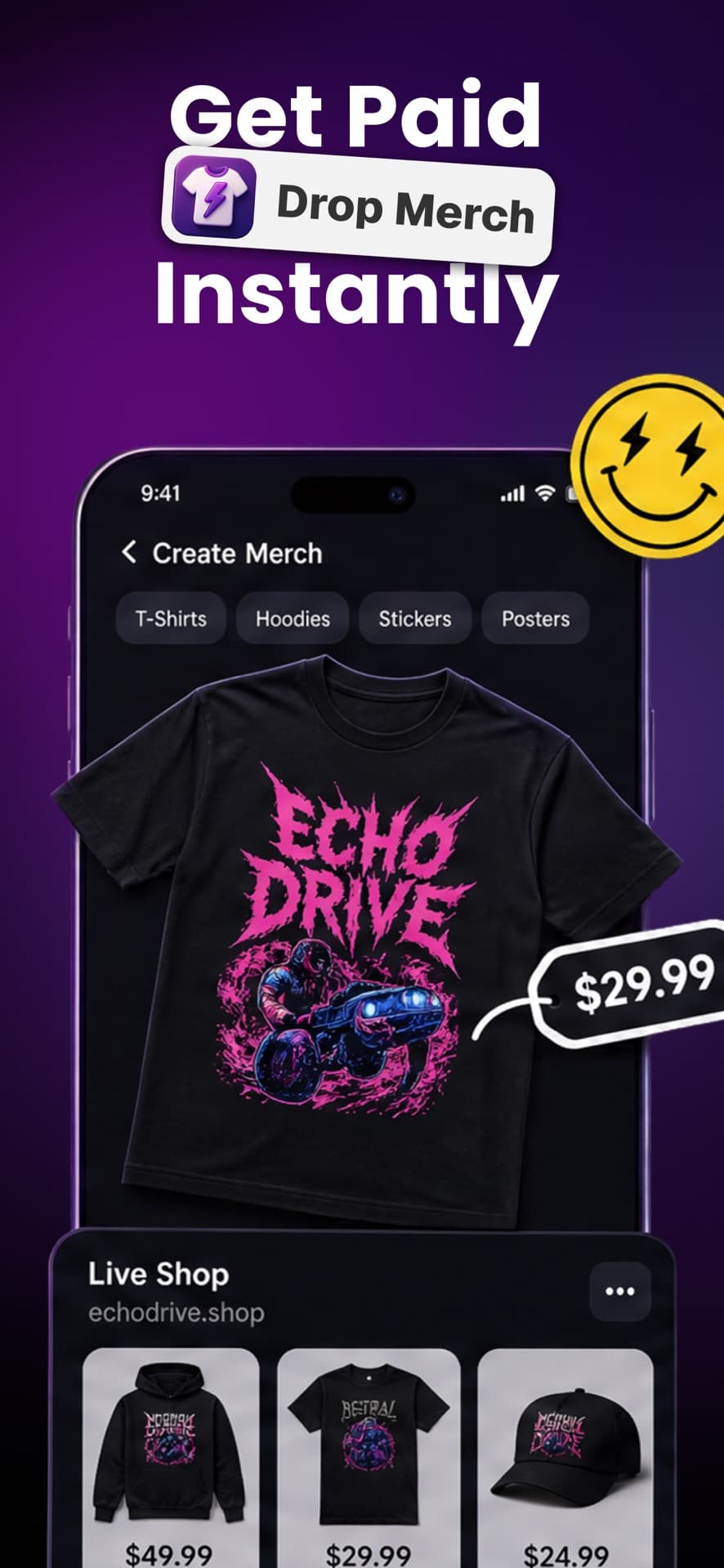
When the cover is locked, put the world on products. Band merch and tour merch use the same studio. Preview on real garments, set the price, see profit before you launch. The company takes a merch cut — we do not claim you keep all revenue — but you are not guessing margin after the fact.

The store is zero-inventory: no pallet of “cover tees” in a closet while the release date moves. Fans buy; production starts. Selling that drop is covered in how musicians sell band merch. Bands doing this without a creative director: Backstage AI for indie bands.

Why not only a marketplace tee tool

Tools like Merch by Amazon can print a shirt. They are not an album cover maker, a logo studio, or a place to export a full promo kit. If your search was an alternative to Merch by Amazon because you need the release and the merch to match, that comparison is Backstage AI vs Merch by Amazon.

Get the app on the download page (App Store and Google Play). Questions: info@backstageai.com. Backstage AI is rated 5.0 from 11 App Store ratings — we state the count so it is not mistaken for a mass-market score.

FAQ

Can I make square album and mixtape covers that read at thumbnail size?

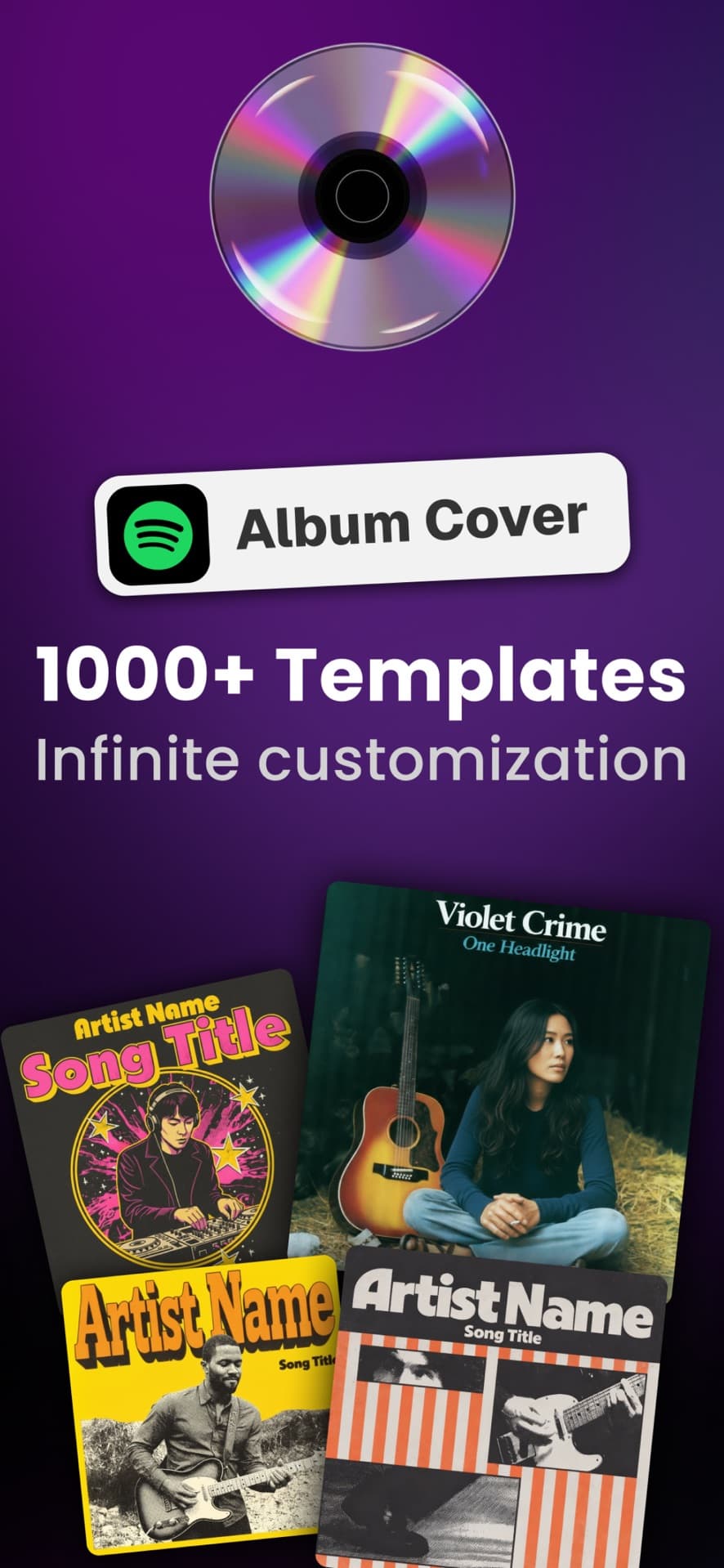
Yes. Backstage AI generates square cover art for albums, mixtapes, EPs, and singles so the release reads at thumbnail size on streaming platforms. Playlist covers and social promo sit in the same musician studio so a campaign does not drift into three unrelated aesthetics.

Can I export branding for promotion?

Yes. Logos, covers, posters, playlist art, and social promo are part of the musician studio — not a shirt-only generator. Export a square for the DSP, a poster crop for the room, and a chest print for band merch from one identity.

How do I keep covers and merch consistent?

Design both in Backstage AI. Lock the cover, then put the same world on garments and tour posters instead of hiring a second vendor. The intended path is cover → poster → merch, documented in the album-cover and tour-poster workflow guide.

Can I make a band logo with the cover?

Yes. Band logo and branding live next to the cover flow so the wordmark is not a different font every drop. A logo that reads at thumbnail size can be the same logo on merch and posters.

Do I need Photoshop or a separate design suite?

No. Backstage AI is built for musicians who need a cover this week, not a desktop publishing stack. Generate the square, keep working in the same app when you need merch and a store, and download from the App Store or Google Play.

Can I put the album cover on a t-shirt?

Yes. When the cover is locked, place that look on band merch and tour merch in the same studio. Preview on real garments, set the price, and see profit before you launch. The live store is zero-inventory — no pallet of cover tees while the release date moves.

Make the cover on your phone.

Generate square art for the release, then carry it onto merch and posters in the same app.

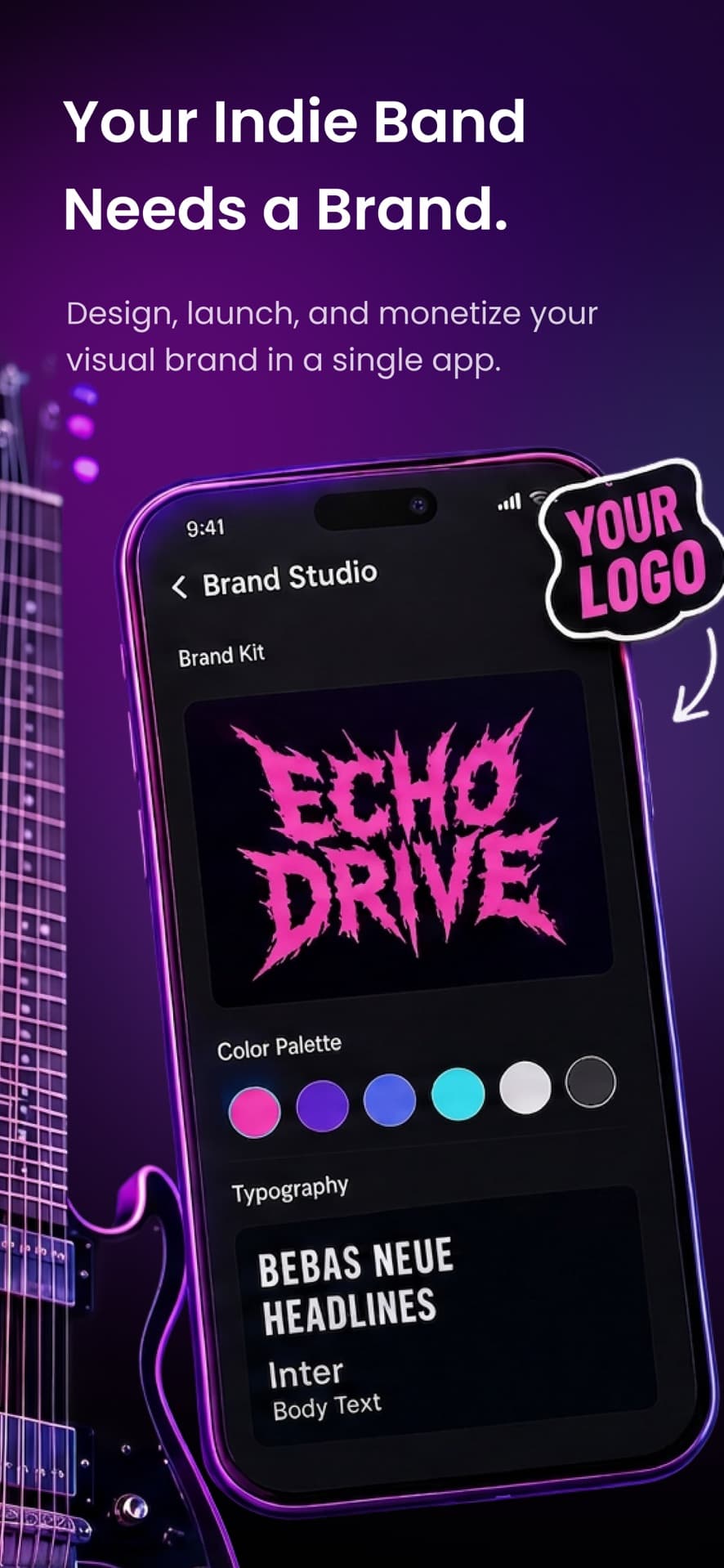
Backstage AI App Store screenshot: Brand studio with a band logo, color palette, and typography
Backstage AI App Store screenshot: Create merch and publish a live shop
Backstage AI App Store screenshot: Avatar studio with styled photoshoot looks
Backstage AI App Store screenshot: Create merch, avatars, logos, album covers, posters, and lipsync video
Backstage AI App Store screenshot: Album cover templates with custom artwork
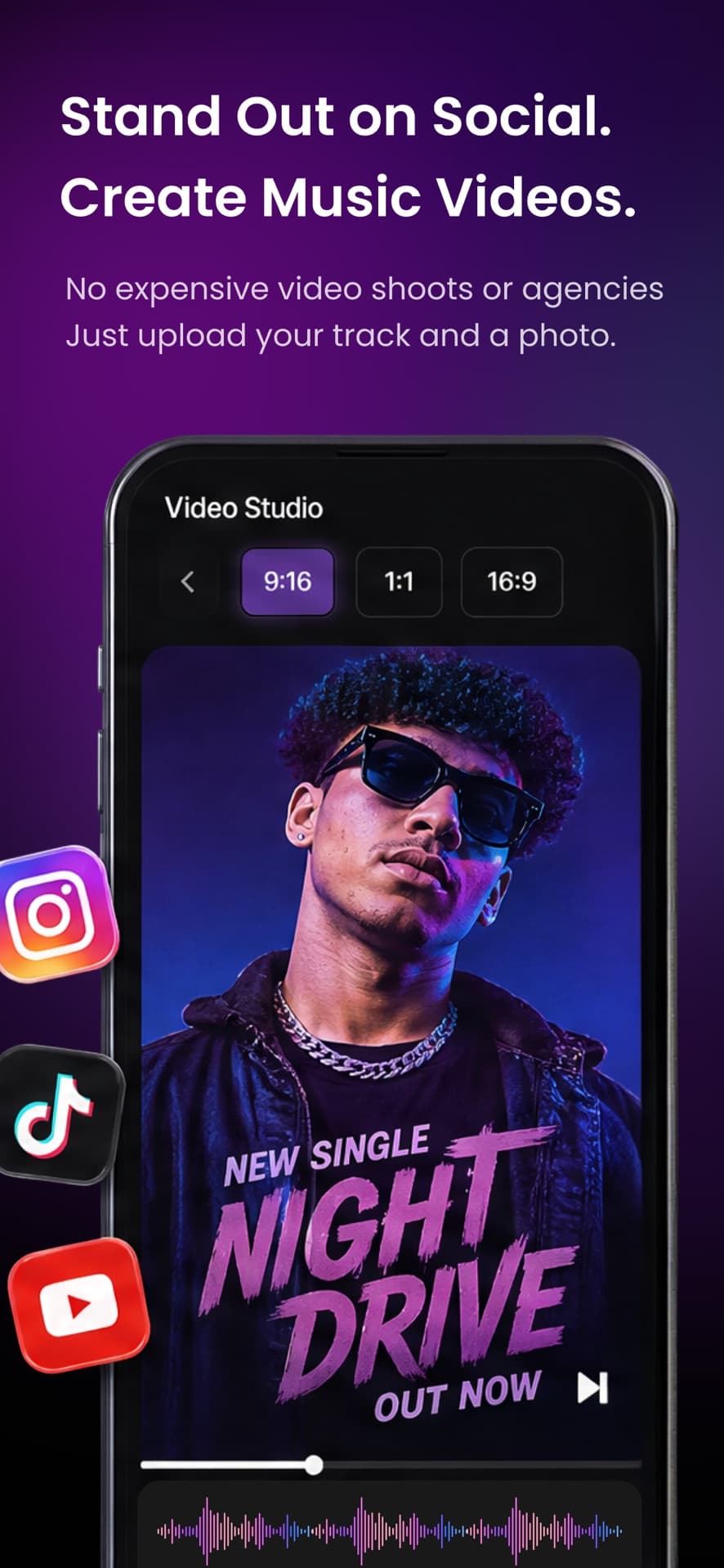
Backstage AI App Store screenshot: Video studio for music videos in 9:16, 1:1, and 16:9