Backstage AI · How it works

Design the look of the record. Sell it on merch.

Backstage AI is the musician-first studio from Backstage AI LLC. Start with identity, carry it onto garments, make a poster for the show, then sell from a store that does not need inventory.

Looping catalog of merch garment blanks
Twin-ring band glyph with a downward triangle stamped into dark metal with a cyan halo
1. Logo or album cover
Charcoal crewneck with a small twin-ring chest logo on a peach atmospheric wash
2. Put the look on merch
Poster standing on edge showing two blurred figures walking a magenta sky
3. Make the poster

Why the order matters

Bands do not fail merch because they lack a Printify login. They fail it because the shirt, the cover, and the flyer look like three different projects. Backstage AI is built so those surfaces share a studio: album covers, band logos, band merch, and tour merch and event posters. The merch half uses the same print-on-demand backend as MRCH. The music-visual half — logo, cover, poster, plus avatar and video tools on the native app — is what makes this a musician product instead of a generic POD catalog.

The practical sequence is identity, then product, then promotion, then store: logo or cover → merch → poster → live shop. You can skip around. A DJ who already has a wordmark can jump straight to a hoodie. The reason we teach this order is visual consistency, not a forced wizard. A longer version of the same idea is in album covers and tour posters in one workflow.

The sequence

Four steps. Not a wizard you cannot leave.

  1. 01

    Logo or album cover

    Start with something that reads at DSP size. Avatar is optional. Plenty of logos are type and symbol only.

  2. 02

    Put the look on merch

    Generate merch-specific art or drop the logo/cover onto the print area. Preview, then set a price.

  3. 03

    Make the poster

    Vertical flyer for stories and handbills — a different object from a sellable poster SKU, even when they share a look.

  4. 04

    Open the live shop

    Pick a shop name, get a slug, share the URL. Print-on-demand after each order. Payouts through PayPal.

1. Logo or album cover

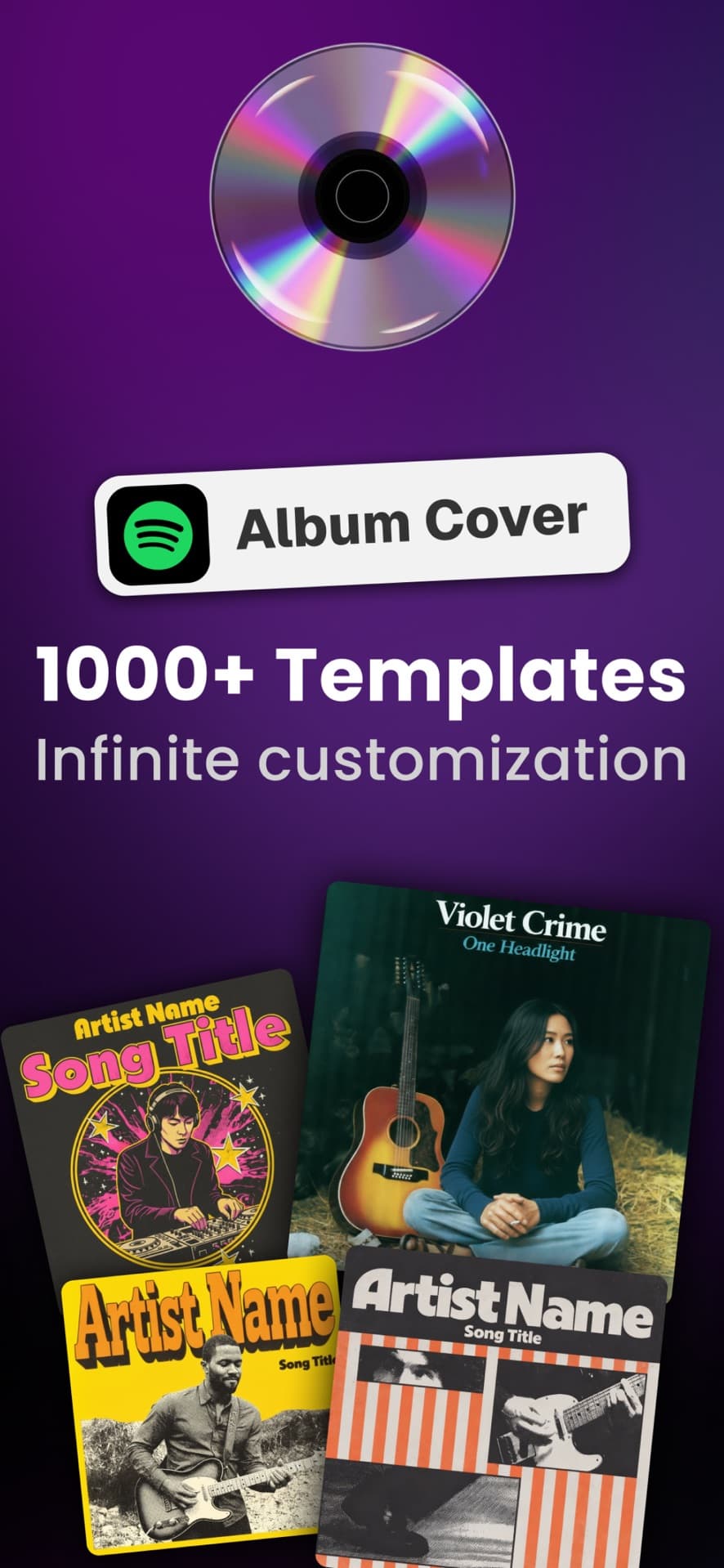
Start with something a stranger can recognize at thumbnail size. In Backstage AI that is usually a logo or an album / mixtape cover. Logo creation is its own flow: you pick a look from themed styles (including text-forward and symbol-forward merch content) and generate. Album cover creation is similar, with square-ready output aimed at the way music actually ships on streaming platforms — a cover that has to read at DSP thumbnail size, not a poster cropped badly.

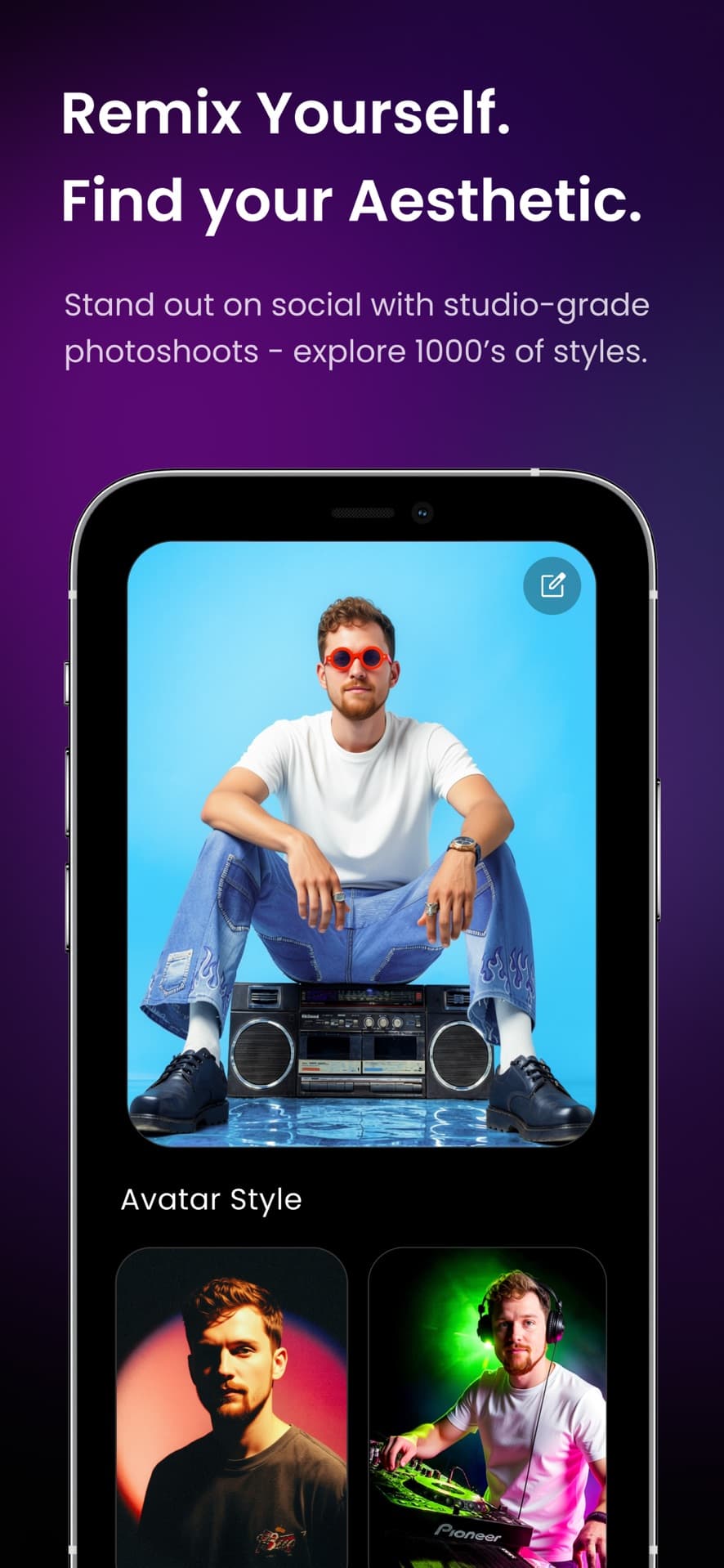
You can bring a face into the look. Backstage has an avatar path: scan or upload a face, keep it in a library, and use it as a subject when you generate covers or posters. That is optional. Plenty of logos are type and symbol only. The point is not “AI band photography.” The point is a repeatable identity you can reuse on a shirt tomorrow.

Covers and logos live in your creations. When you move to merch, you can place a creation on a garment the same way you place generated art — you are not exporting to a desktop, flattening, and re-uploading unless you want to. If you only came here for covers, the album cover maker page is enough. If you need the whole stack, keep going.

2. Put the look on merch

Merch in Backstage AI is built around a real garment: pick a product, place art, set a price, publish. Garments include tees, hoodies, crewnecks, hats, stickers, totes, and posters as the catalog allows. You can generate merch-specific art from the style library, or drop the logo/cover you already made onto the print area. Front and back exist on apparel. Color is chosen on the mockup.

This is band merch without a warehouse. You do not buy a case of shirts before the first merch table. Production starts after an order. Pricing still shows production cost and margin before you launch, which matters when a $35 tour tee has to clear print cost and still feel fair at the booth.

Independent bands who do not have a designer on payroll are the actual audience — not a celebrity merch program. Backstage AI for indie bands and how musicians sell band merch cover drops, tour tees, and fan shops without pretending you have a major-label vendor. If you have been looking at Merch by Amazon alternatives, the difference is the studio around the listing: covers and posters in the same app, plus a store you share yourself instead of only a marketplace slot.

3. Make the poster

A show needs a flyer that matches the record and the shirt. Poster creation in Backstage AI is a dedicated flow with its own theme grid (including concert-poster design types and, when you came through avatar, instrument-aware looks). Output is a vertical you can use as a story, a printed handbill, or a merch poster SKU — the catalog includes a vertical matte poster as a sellable product, which is a different object from the promotional graphic, even when they share a look.

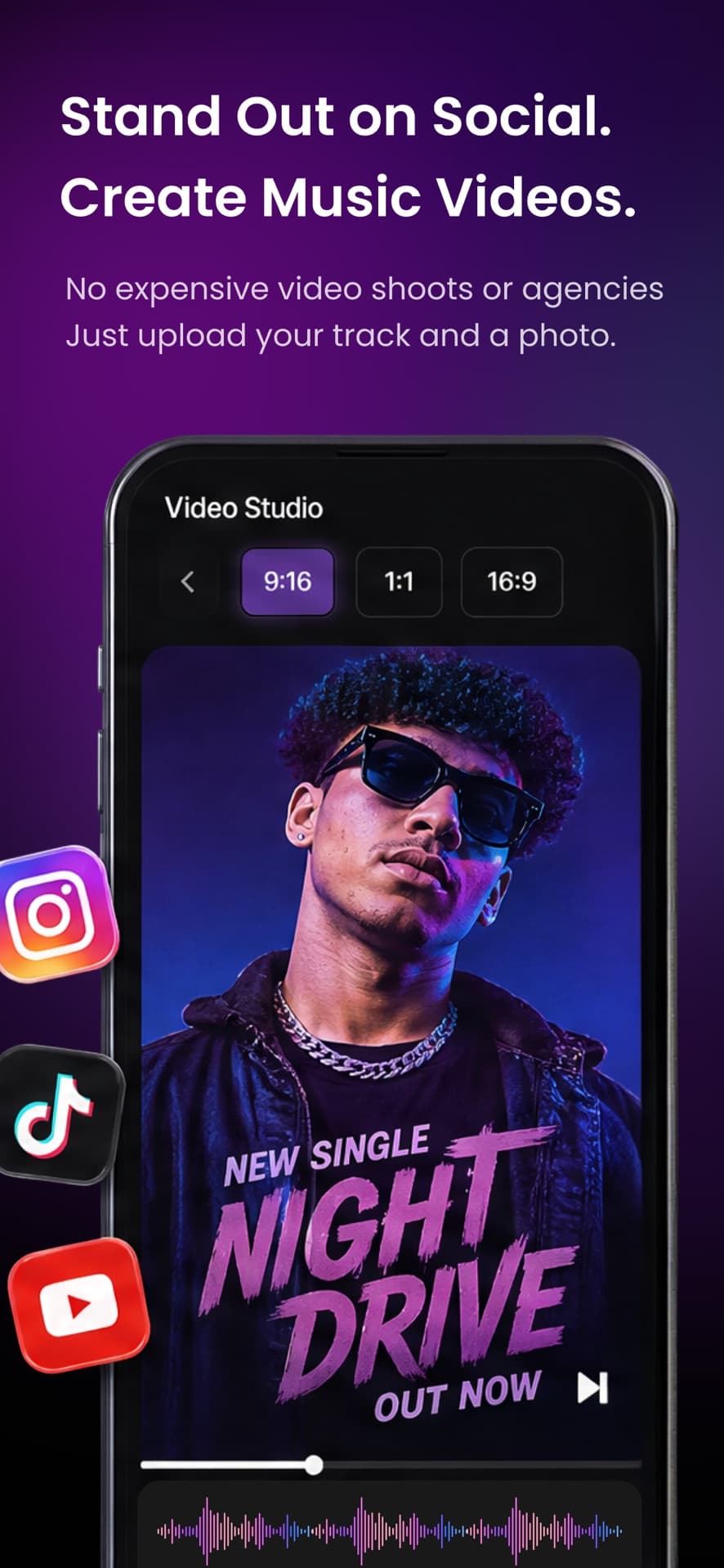
Tour merch is timing as much as design. You want the tee and the flyer ready before you post the date, not the weekend of the show. Tour merch and event posters is the landing for that job. Native Backstage also has lipsync and restyle video for people who want motion around the same identity; those tools are not on this website, and this page will not pretend they are.

You do not have to sell the poster. Many bands use it only as promo and sell the hoodie. That is still the same workflow: one look, two jobs.

4. Open the live shop

Publishing merch requires a seller shop: you pick a shop name, get a slug, and the store becomes the URL you put in a link-in-bio, a story, or a table QR code. Products you publish are live. Fulfillment is print-on-demand after each order. Payouts go through PayPal. The shop shows profit and sales totals. It is not a full box-office system and not a venue POS.

Zero inventory is the point of a live shop for a touring act. You can sell a drop while you are in a van without guessing size runs. You still have to drive traffic — Backstage AI does not buy ads for you and does not claim a built-in fanbase. Share the store. Put it next to the presave. That is the work. The app’s job is making the product and the listing exist.

Credits pay for generation. Native Backstage is on the App Store and Google Play; download Backstage AI if you want covers and posters on your phone. Company context: about Backstage AI, what is Backstage AI, and the Backstage FAQ.

What the shop actually does

No inventory float. Still a remainder after cost and the cut.

  • Production after the order

    You can sell a drop from a van without guessing size runs. You still have to share the store — we do not claim a built-in fanbase.

  • Cost next to the sale price

    A $35 tour tee has to clear print cost and still feel fair at the booth. Confirm margin before you launch, including the platform cut.

  • PayPal payouts

    Connect PayPal so payouts can be sent after sales. The shop shows profit and sales totals. It is not a venue POS.

MRCH vs Backstage in this flow

If you only need garments, a store, and a web editor, use MRCH. Backstage AI adds musician surfaces in front of that path and ships as a native iOS and Android app — there is no Backstage web editor. Both brands are Backstage AI LLC. Both sell through print-on-demand. Neither is a warehouse. Neither is a claim that a famous act uses the app.

Creators who are not musicians — streamers, YouTube, independent brands — should use MRCH. Bands should stay here.

FAQ

What is the Backstage AI workflow for musicians?

The practical sequence is identity, then product, then promotion, then store: logo or album cover → merch → poster → live shop. You can skip around — a DJ who already has a wordmark can jump straight to a hoodie. The order is for visual consistency, not a forced wizard.

Do I have to make a cover before I design merch?

No. You can start with merch, a logo, or a poster. Backstage AI teaches logo-or-cover first because bands fail merch when the shirt, the cover, and the flyer look like three different projects. The studio lets those surfaces share a look.

How does the live shop work?

You pick a shop name, get a slug, and the store becomes the URL you put in a link-in-bio, a story, or a table QR code. Products you publish are live. Fulfillment is print-on-demand after each order. Payouts go through PayPal. The shop shows profit and sales totals — it is not a venue POS.

Do I need inventory to sell merch in Backstage AI?

No. Production starts after an order. You do not buy a case of shirts before the first merch table. Pricing still shows production cost and margin before you launch, which matters when a tour tee has to clear print cost and still feel fair at the booth.

Is this the same as how MRCH works?

The merch half uses the same print-on-demand backend as MRCH. Backstage AI adds musician surfaces in front of that path: logos, album covers, posters, plus avatar and video tools on the native app. Creators who are not musicians should use MRCH.

Where do I download Backstage AI?

Native Backstage AI is on the App Store and Google Play. Credits pay for generation. Company context is on the about page and the Backstage FAQ. Start at the download page if you want covers and posters on your phone.

Run the sequence on your phone.

Logo or cover, then merch, then a poster, then a live shop — Backstage AI on iOS and Android.

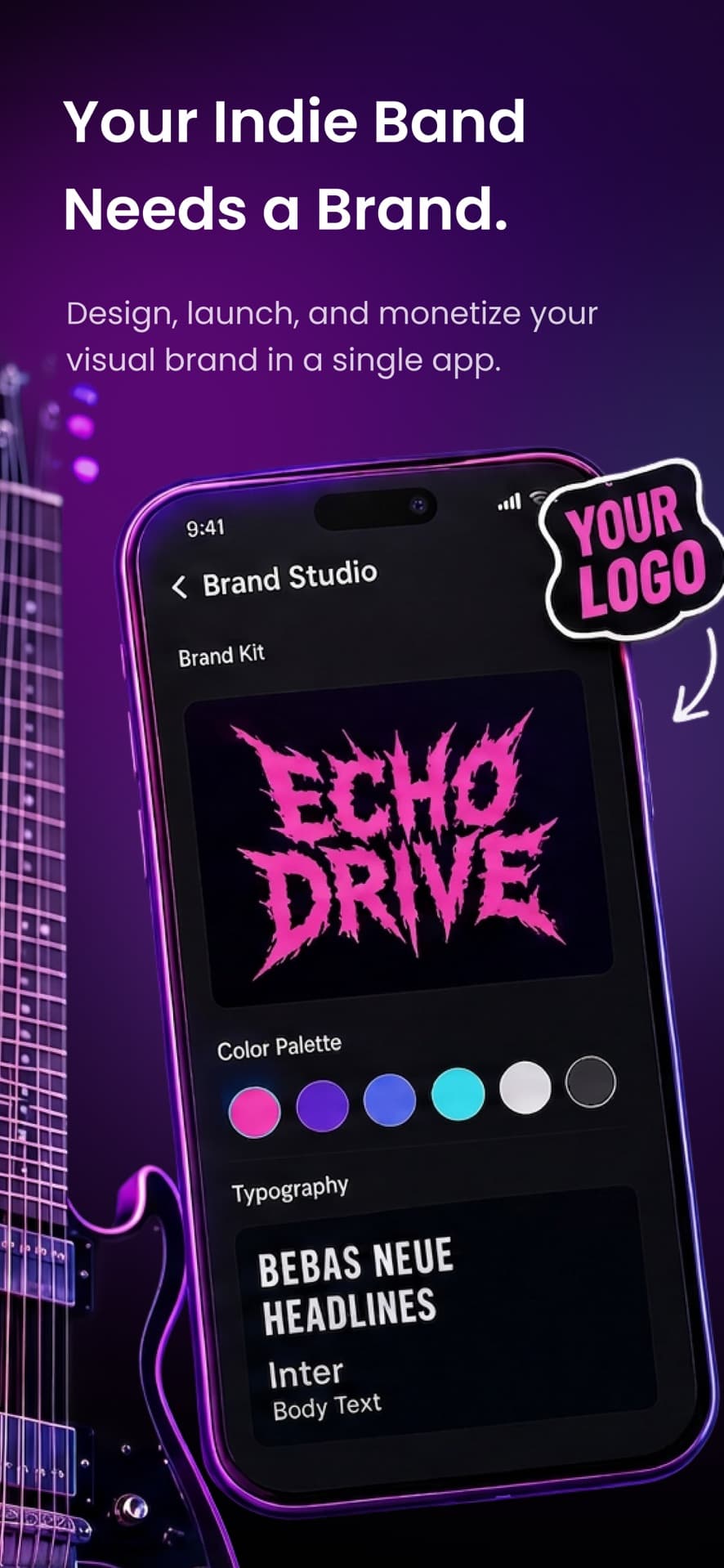
Backstage AI App Store screenshot: Brand studio with a band logo, color palette, and typography
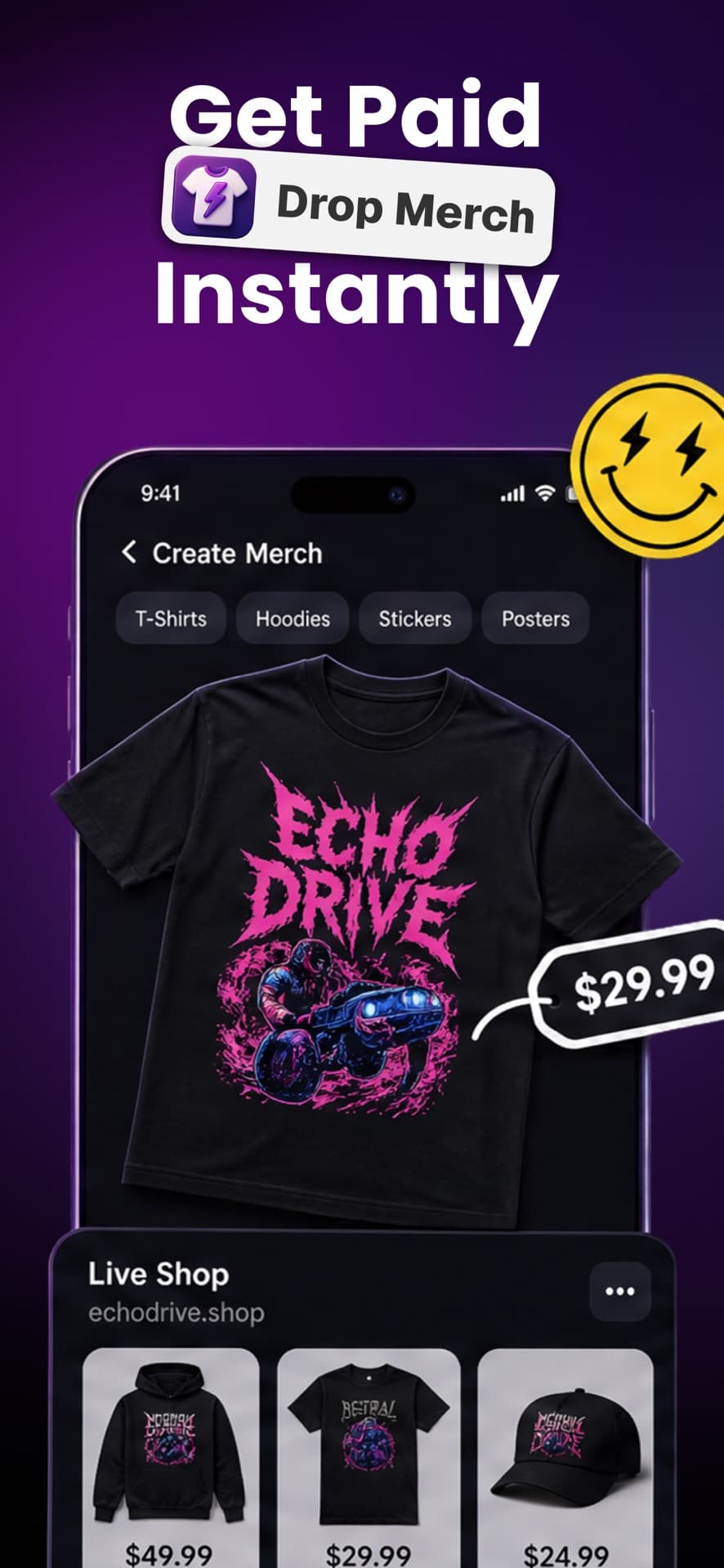
Backstage AI App Store screenshot: Create merch and publish a live shop
Backstage AI App Store screenshot: Avatar studio with styled photoshoot looks
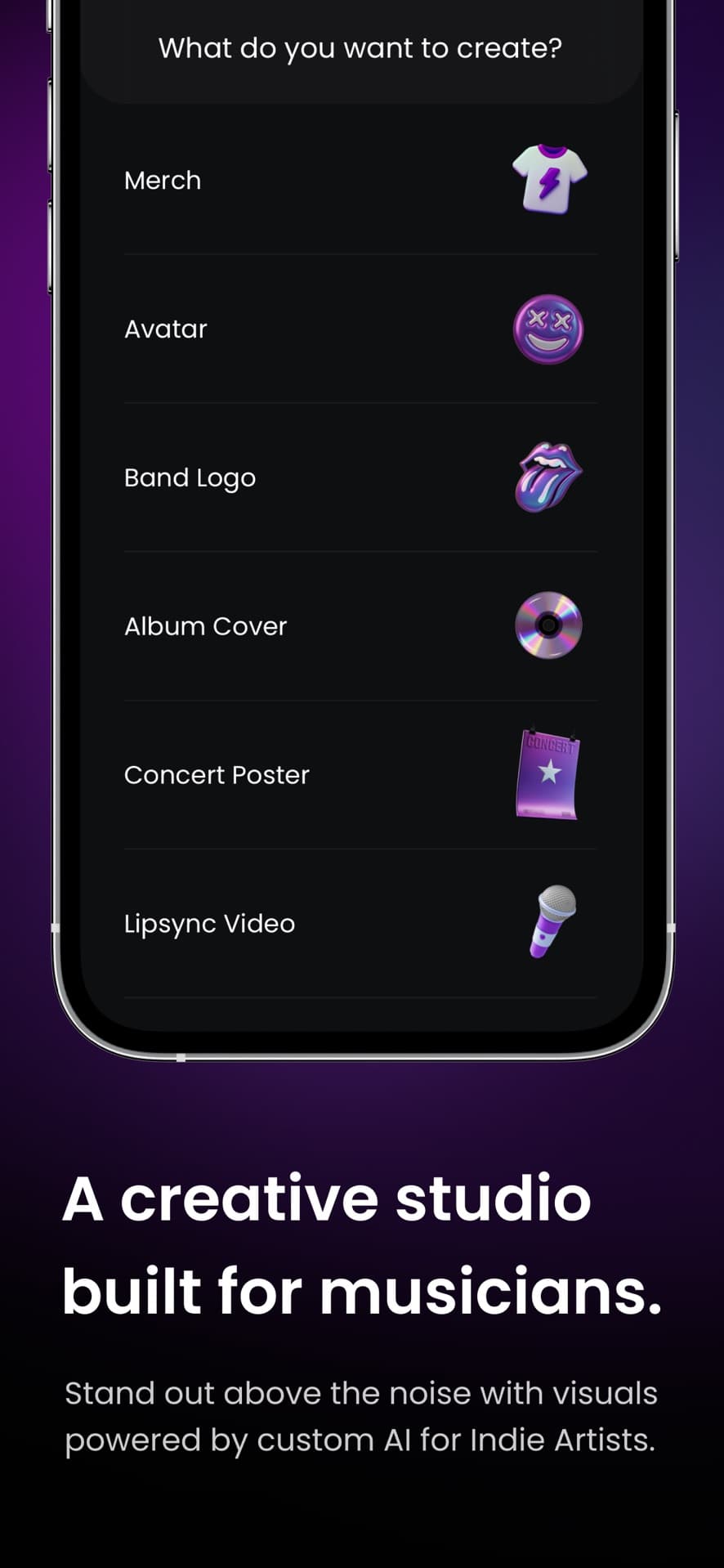
Backstage AI App Store screenshot: Create merch, avatars, logos, album covers, posters, and lipsync video
Backstage AI App Store screenshot: Album cover templates with custom artwork
Backstage AI App Store screenshot: Video studio for music videos in 9:16, 1:1, and 16:9