






Is Backstage AI free to download?
Yes. Get it on the App Store and Google Play. In-app credits and merch economics are shown in the product — we do not publish made-up price tables here.
What you install
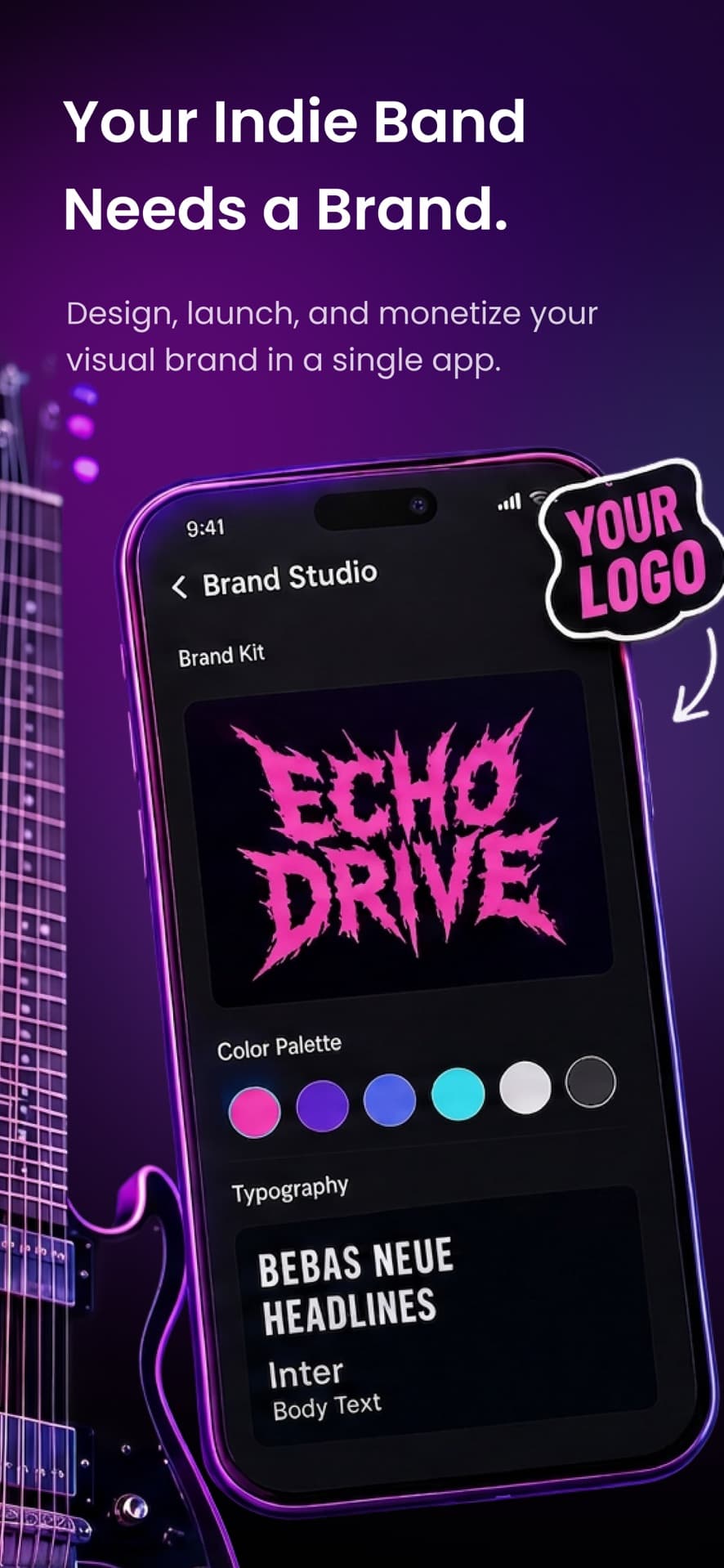
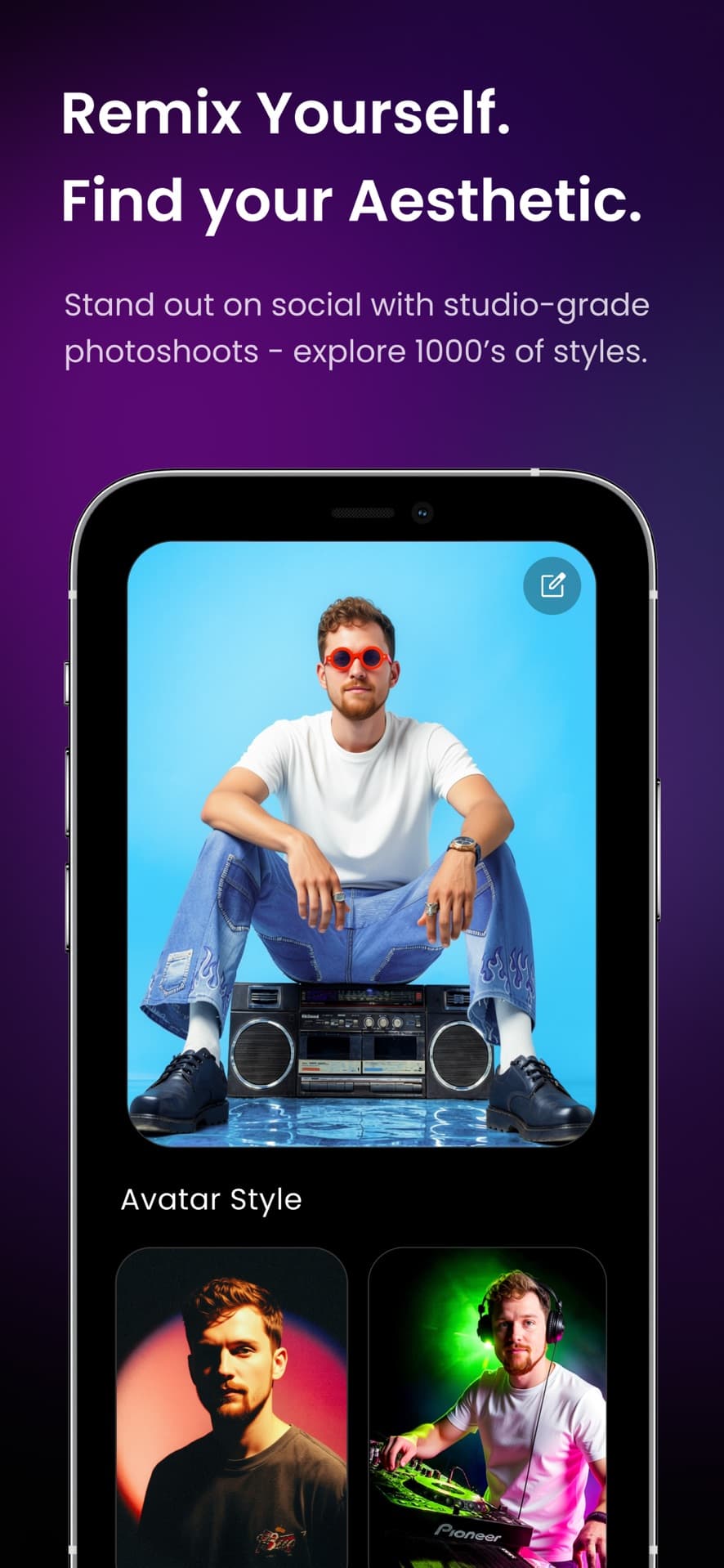
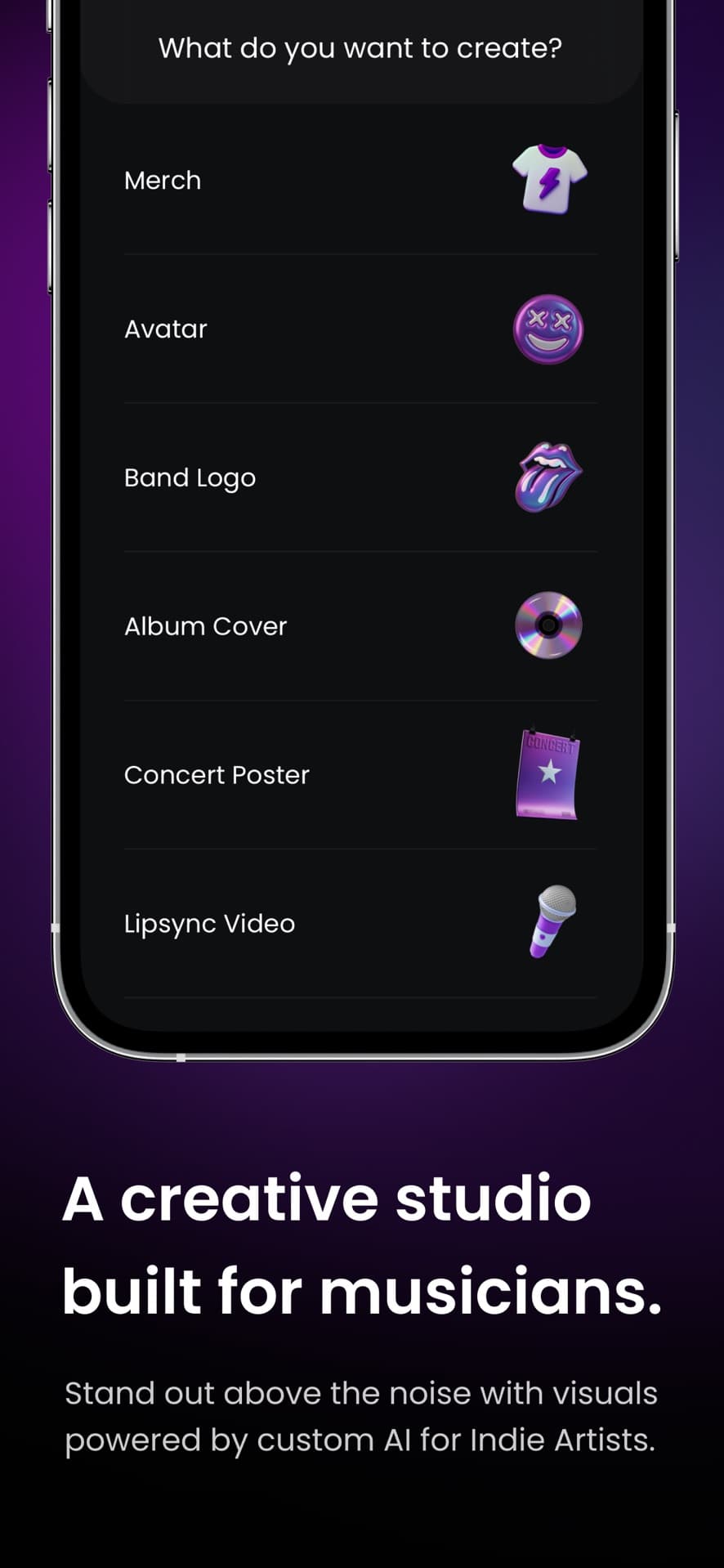
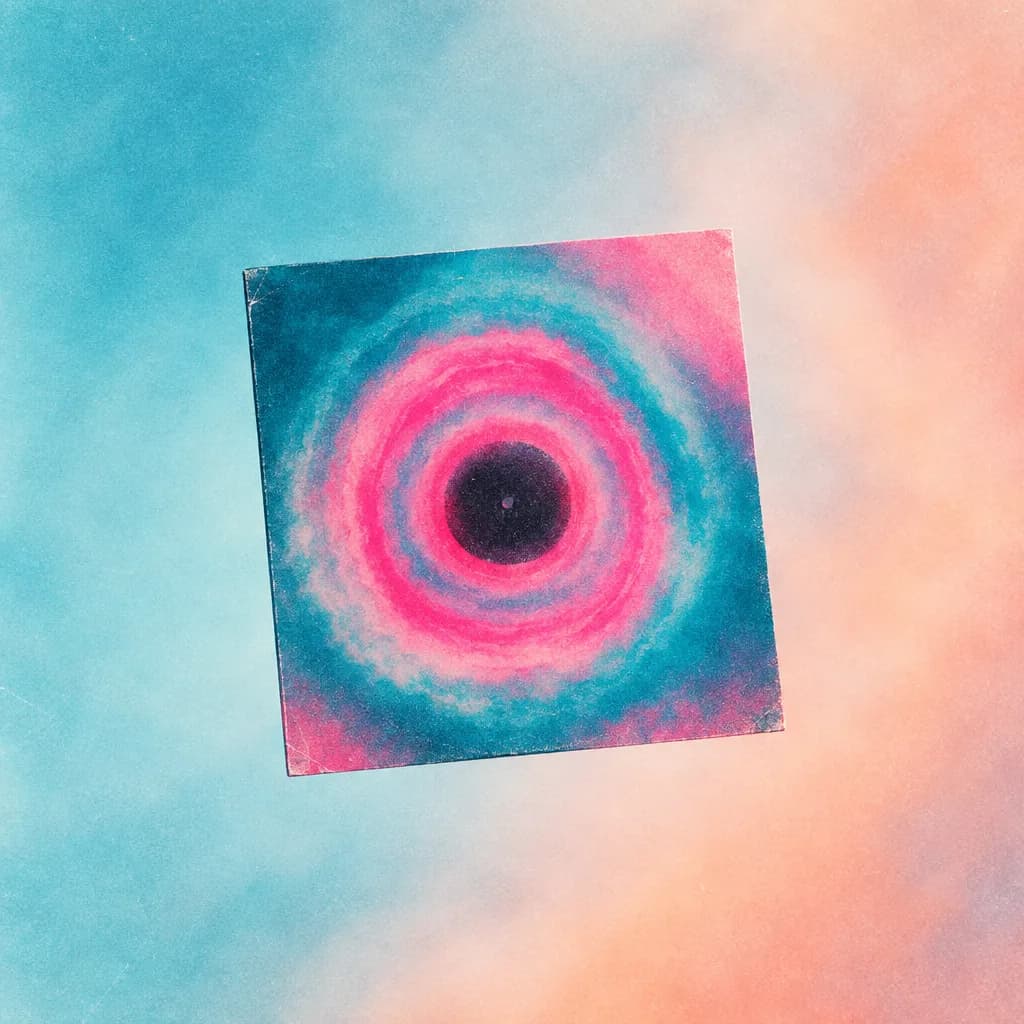
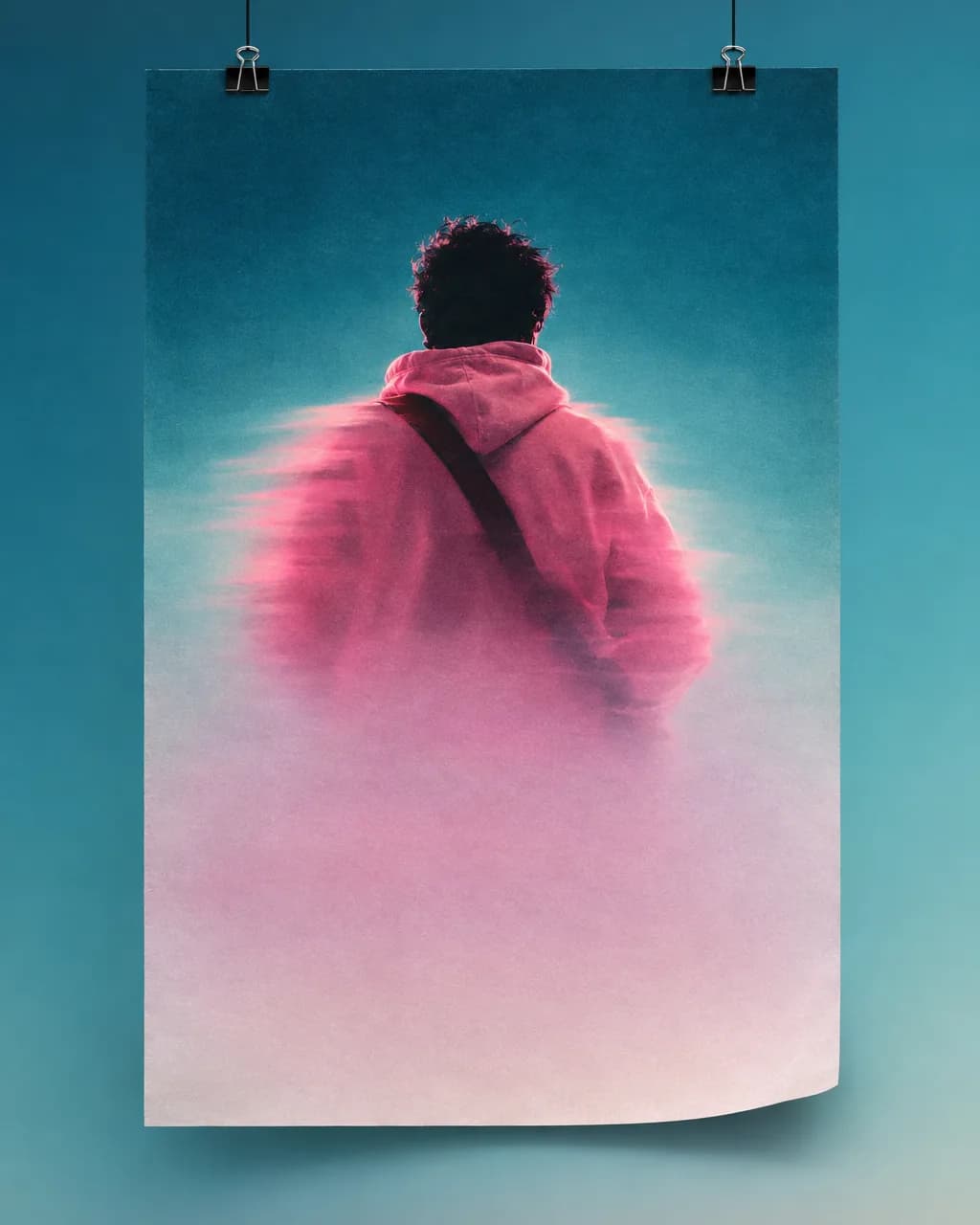
The musician studio ships in the native app — square covers, band logos, flyers, avatars. This website is marketing; the canvas is on your phone.
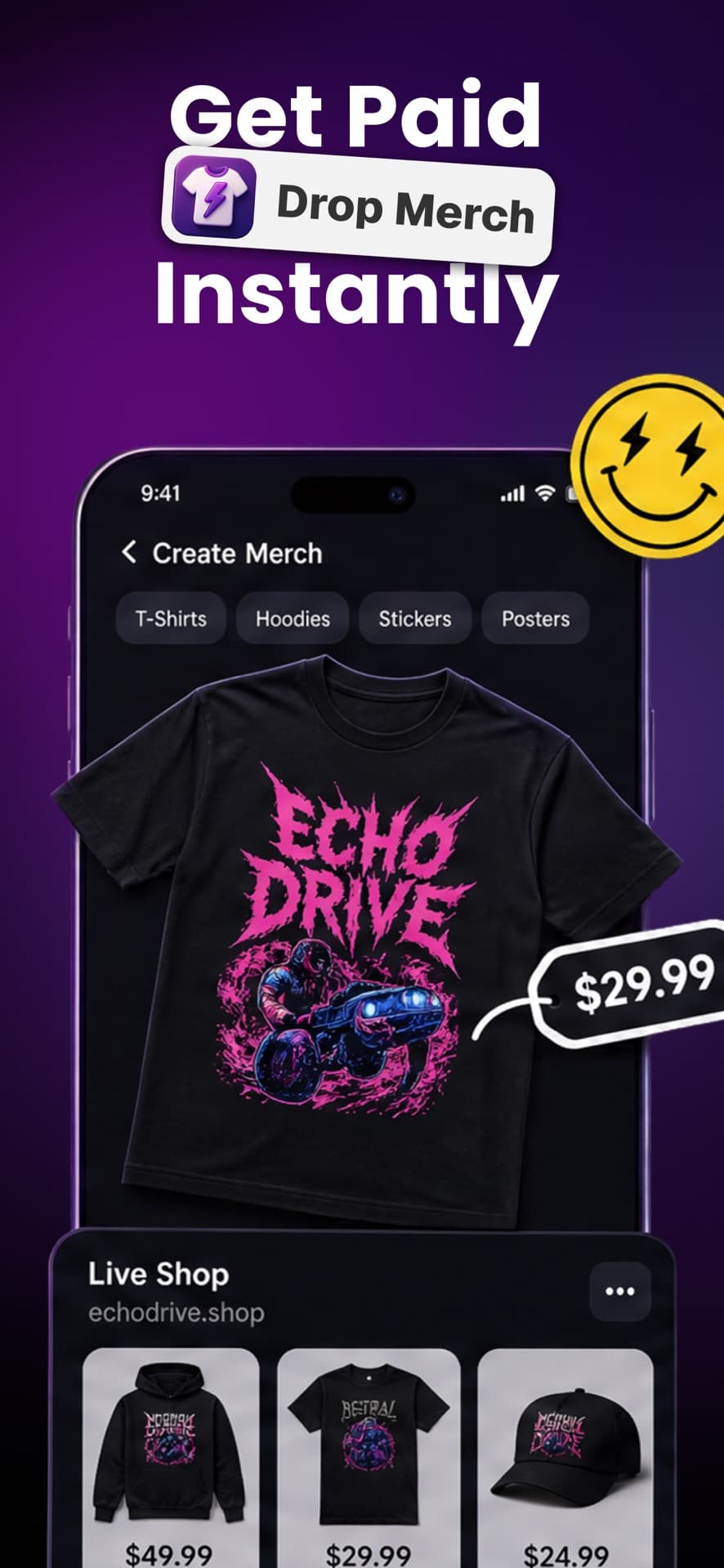

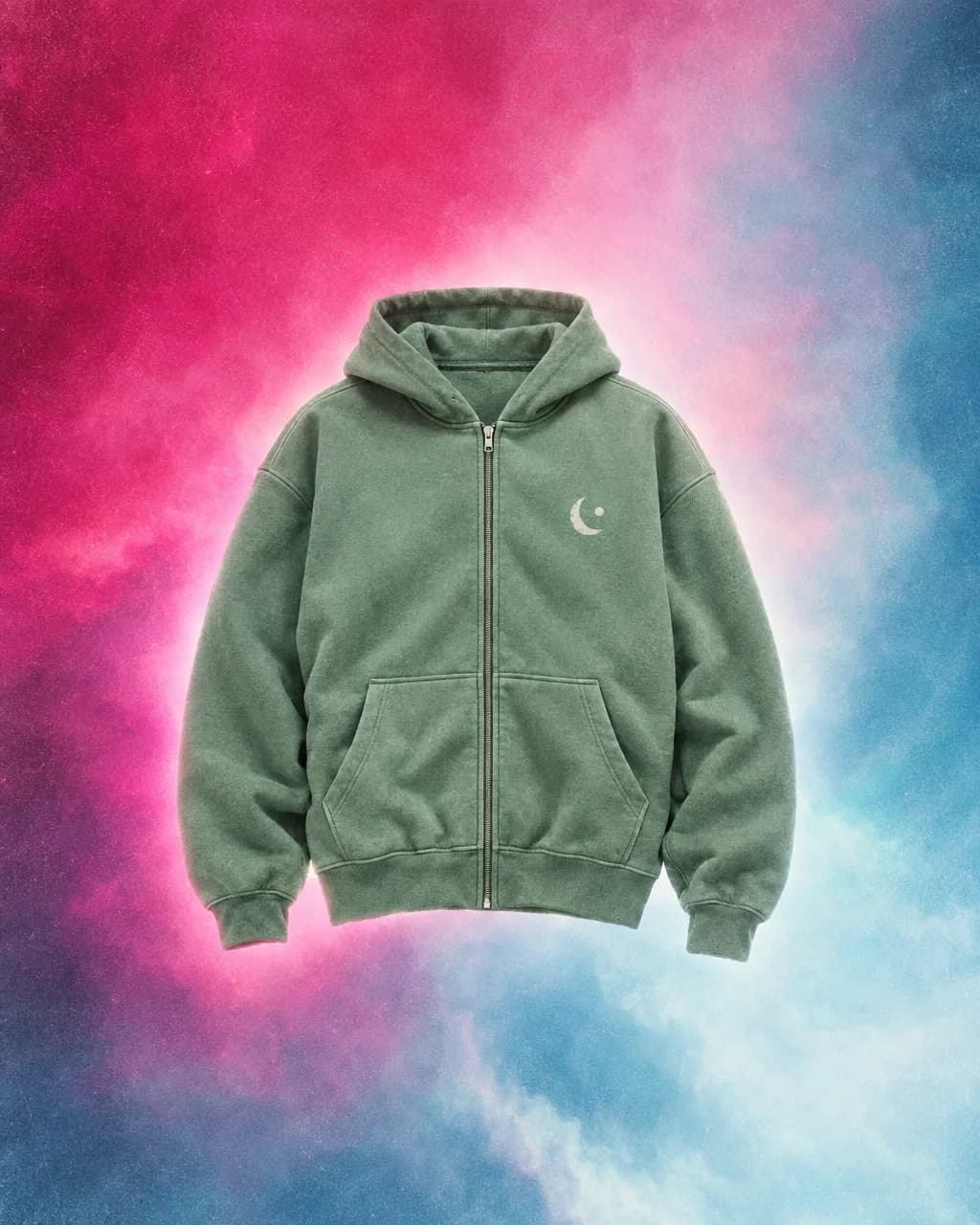
Generate artwork, preview it on garments, drop tees and hoodies that belong next to the album. Unique merch with AI, then a live shop.
Set price, see profit, publish. Production starts after a fan buys. Credits pay for generation; merch economics are shown in the product.
Band merch
Generate artwork, preview it on real products, and drop tees and hoodies that belong next to the album — not a print catalog. Band merch in Backstage AI is unique merch with AI, then a live shop without holding stock.
Indie bands, solo artists, and small labels who would rather not live in a print-shop dashboard start here. Practical selling steps: how musicians sell band merch. Bands without a designer: Backstage AI for indie bands.
After you tap Get
Free on the App Store (Apple ID 6742150062) and Google Play (com.backstageai.backstageai). Not the MRCH listing.
A cover this week, a tour tee, a logo, or a poster. You do not have to finish the whole stack on day one.
See production cost and estimated profit. Backstage AI LLC takes a merch cut — not a 100% revenue promise.
Put the URL next to a presave or on a table QR. We do not buy ads for you. The listing exists; traffic is your job.
Covers & branding
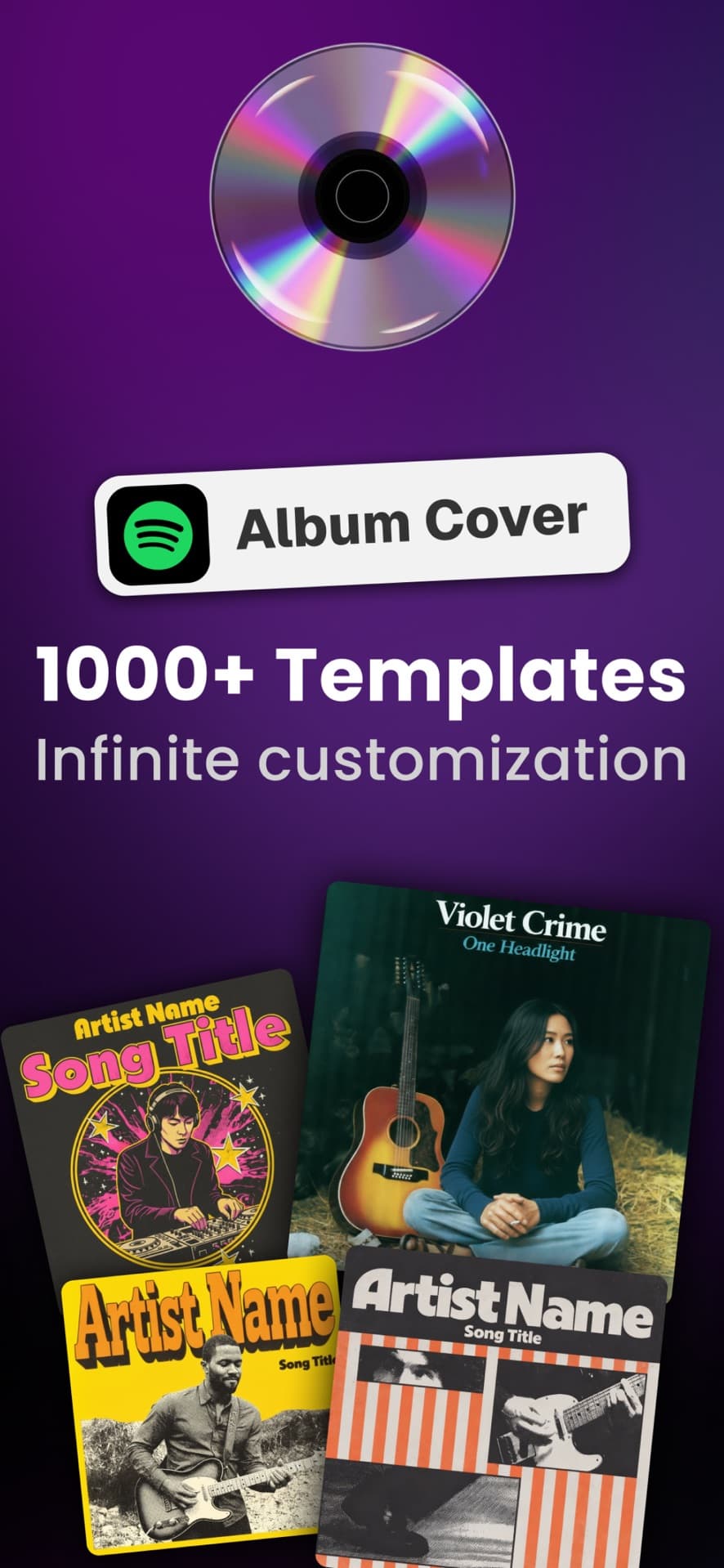
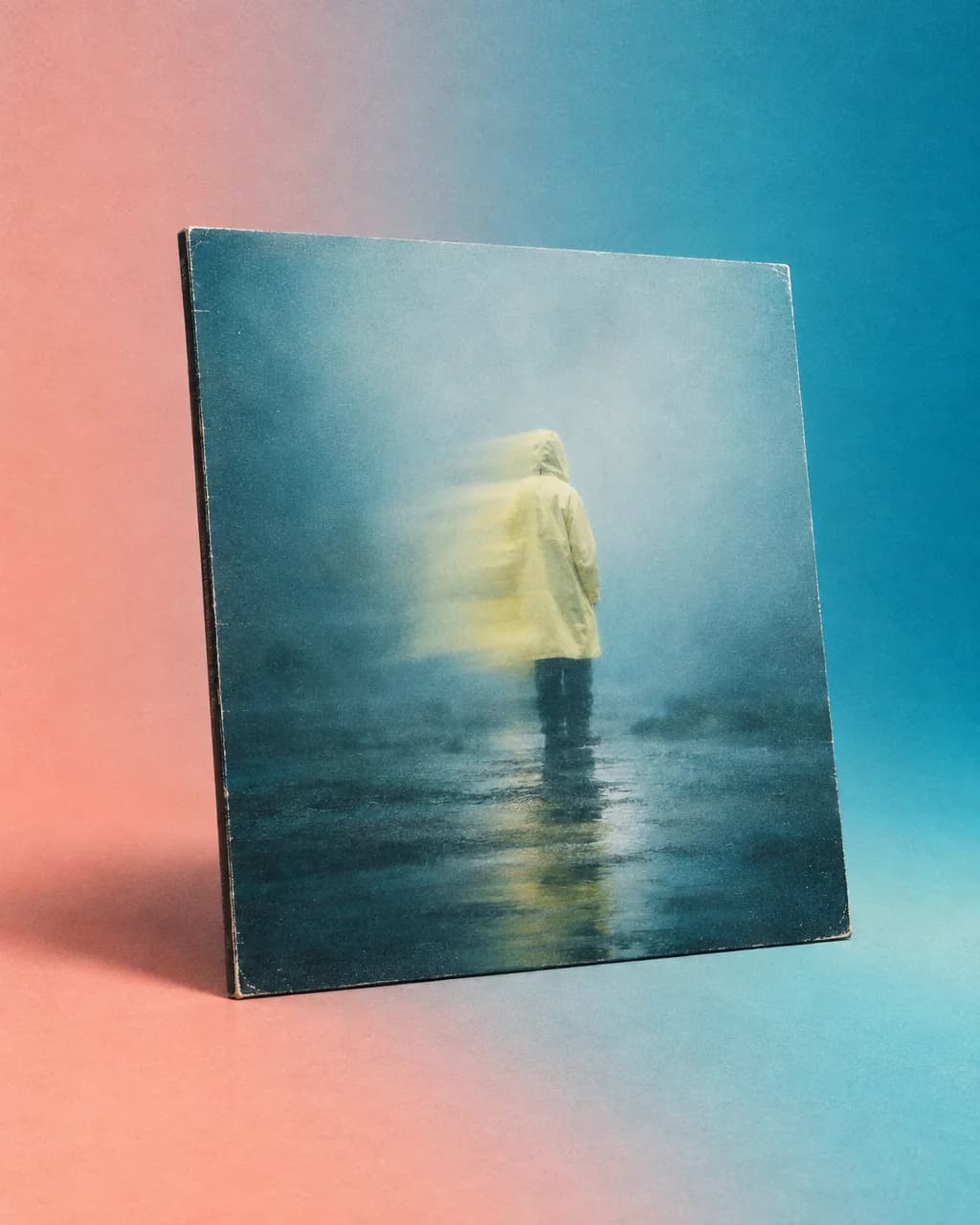
Album and mixtape covers, logos, playlist art, and posters so the DSP tile and the merch table match. Album covers and tour merch are first-class — not an afterthought next to a shirt generator.
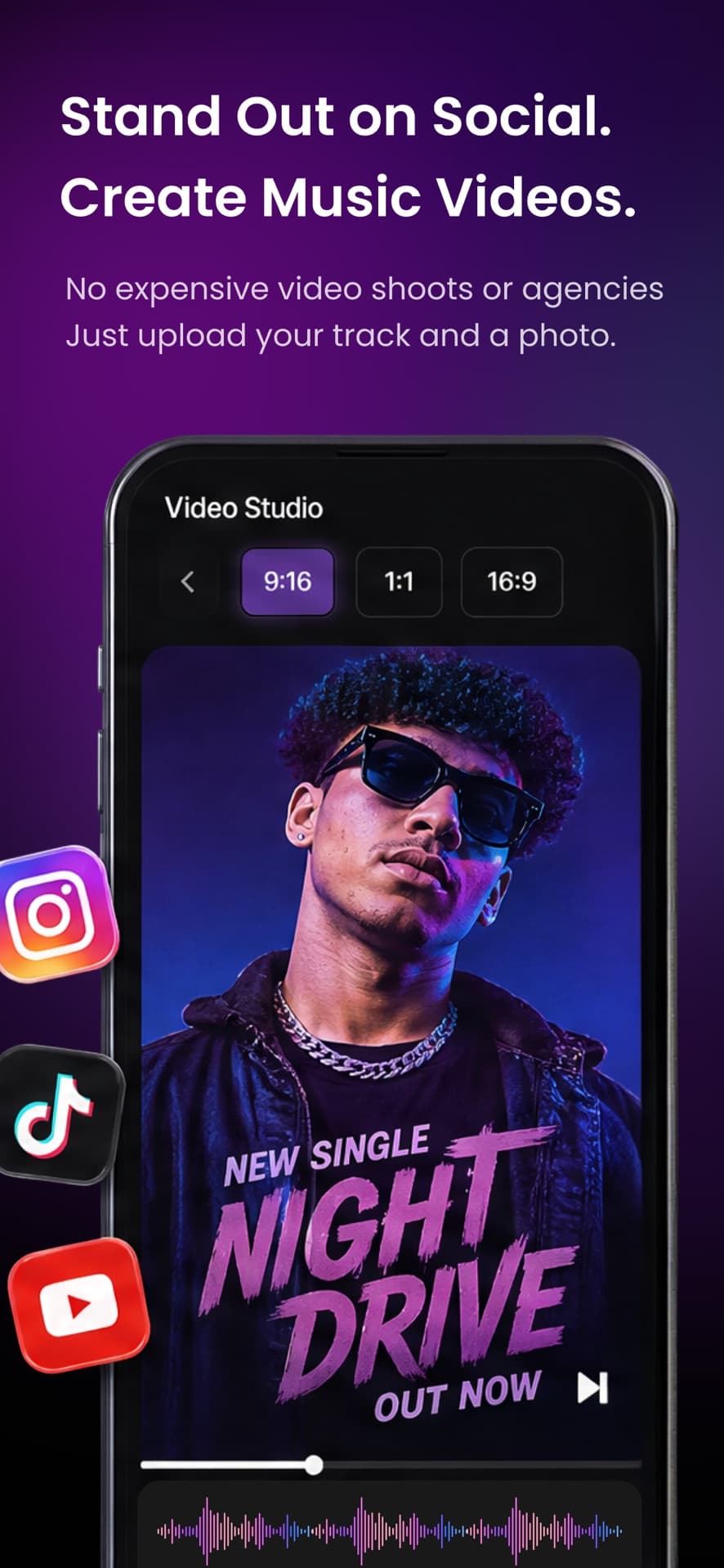
A practical sequence is in album covers and tour posters in one workflow. After install, start with the asset you actually need this week: a cover, a logo, a tour tee, or a poster.
Listings that are actually Backstage AI
Free to install
AI generation uses credits shown at checkout. We do not publish made-up price tables here because they can change.
No warehouse between gigs
Print-on-demand after each order. No inventory deposit. No computer required — design and sell from your phone.
Musician app, not MRCH
Same company, different listing. If you only want creator tees, download MRCH. Musicians who need covers and merch together install Backstage AI.
Live store
Set the sale price, see profit before launch, and share a zero-inventory shop the way you share a pre-save. Production starts after a fan buys — no warehouse between gigs. The full sequence is on how it works.
Backstage AI LLC takes a merch cut, so the number you see is margin after that — not a promise that you keep all revenue. If you searched for alternatives to Merch by Amazon because you want a shop plus music visuals, read Backstage AI vs Merch by Amazon.

Backstage AI is a native app. On iPhone, get BACKSTAGE Design & Sell Merch from the App Store (Apple ID 6742150062). On Android, use Google Play (package com.backstageai.backstageai). The buttons in the hero open those listings — there is no third storefront URL.
The App Store currently shows a 5.0 rating from 11 ratings. That is the real sample size — we do not inflate it. Creators who want the general merch app, including the web editor, can use MRCH. Musicians who need covers, logos, and merch together should install Backstage AI. More on the Backstage AI home.
Yes. Get it on the App Store and Google Play. In-app credits and merch economics are shown in the product — we do not publish made-up price tables here.
No. Design merch, covers, and logos from your phone. The live store is managed in the same app.
No. MRCH is the general creator merch app. Backstage AI is the musician-first studio: band merch plus logos, album covers, posters, and promo visuals. Both are from Backstage AI LLC; download the one that matches the work.
On iPhone, get BACKSTAGE Design & Sell Merch from the App Store (Apple ID 6742150062). On Android, use Google Play (package com.backstageai.backstageai). There is no third storefront URL.
Band merch, covers, and a live store — iOS and Android. Company and contact: about or info@backstageai.com.