
Backstage AI/
By Backstage AI Editorial
Musician Logo and Branding with AI
Make one musician logo you can reuse on album covers, tour posters, and band merch — then stop generating cousins. Print on demand from a live shop.
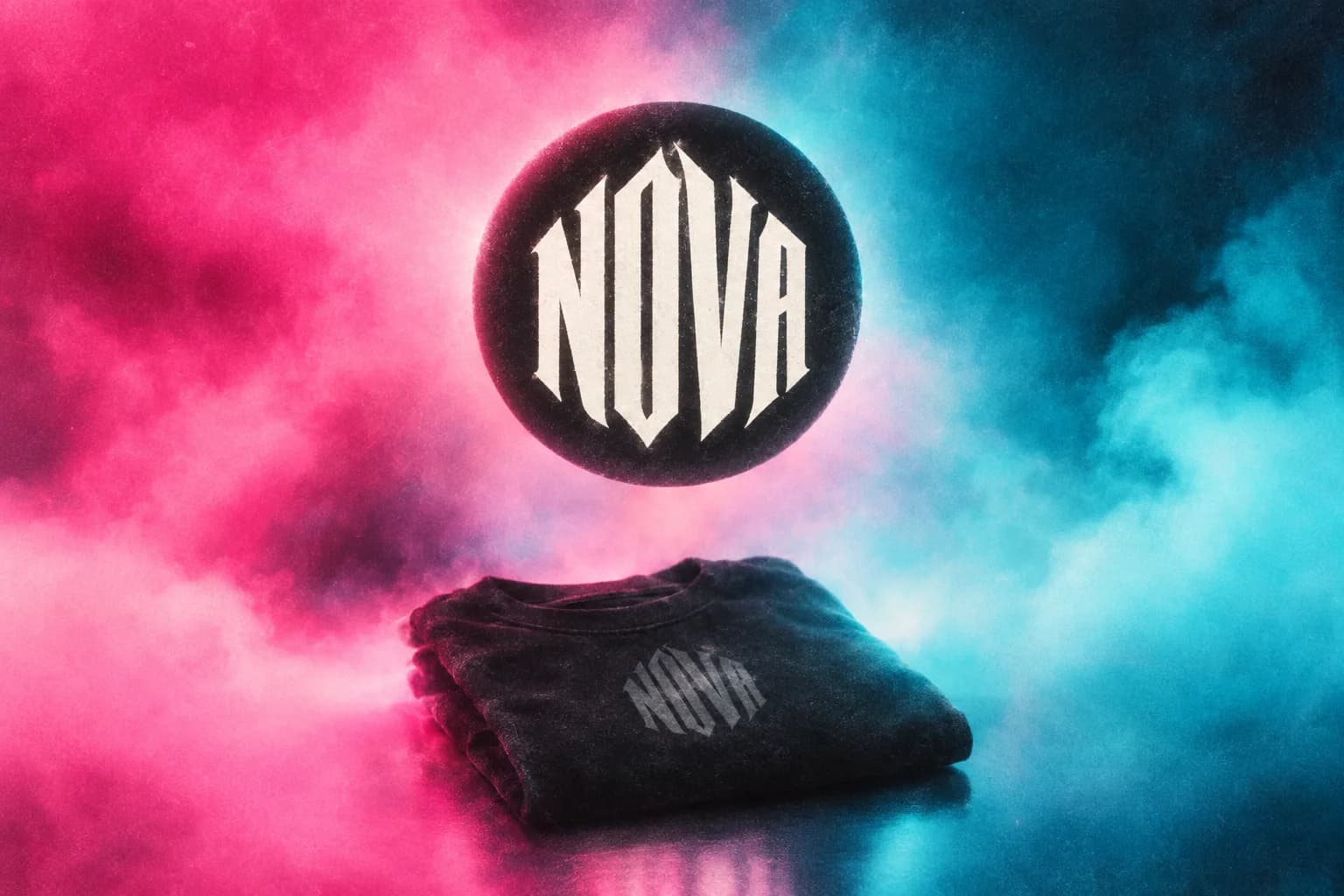
Musician logo and branding with AI means making one logo — a wordmark, symbol, or lockup — that you reuse on album covers, posters, and band merch. Backstage AI has a logo creation flow for artist and band logos. The job is to lock a file you will actually print, not to generate a new identity every week. Then you design and sell merch from that same logo.
What is Backstage AI: a musician-first studio, not a generic print catalog with a music sticker. AI product design is the merch half: the logo has to survive a chest print, not only a tile. Backstage AI for indie bands is the band-shaped overview. This article is the logo: how to make it, when to stop, and how it travels.
What the logo has to do
A usable musician logo survives a streaming tile, a chest print, and a poster without redrawing. It should read at small size. It should not depend on a photograph that only works in one crop. If the “logo” is a full illustration, you have a cover idea, not a logo — keep both, but do not treat them as interchangeable. Print quality is the fabric test for the merch version.
- Name spelling locked — the same string as your distributor metadata.
- One primary lockup (wordmark or symbol), not five competing versions.
- Enough contrast to print one-colour if you need a cheap souvenir later.
- Clearance to sell it: no stolen lettering, no almost-copy of another act.
Generate to explore, upload to lock
Use generation when you do not have a logo yet. Describe the name, the treatment (lettering, emblem, stamp), and what it is not (not a movie-poster collage, not a photoreal scene). Then pick one. Upload that file from then on. Regenerating “the same logo” will produce cousins; cousins are how merch, covers, and posters disagree.
If you already have a hand-drawn logo or a file from a designer, upload it. Do not ask the model to recreate it from memory. The canvas is for placing a known file, not for gambling a replacement the night before a release.
Make one, then stop
The failure mode for bands with no designer is infinite logo night. Twenty generations is research. Publishing three of them on three products is a mess. Lock one. Put it on the next public object. If it fails at tile size or on a tee, fix that file — do not start a new family.
AI generation uses credits. Use them to iterate toward one lockup, not to collect a mood board you will never print. Billing shows current packs and subscriptions at checkout because those numbers can change.
Carry the logo onto cover, poster, and tee
Cover first if a release is coming: the logo as a small lockup, not the whole illustration unless that is the concept. Poster: artist name in the same lettering, show facts in readable type. Tee: often the logo only, scaled to the print area. The pipeline is album covers and tour posters in one workflow. The sell path is how musicians sell band merch.
Do not stretch a square cover into a logo. Do not set the merch type in a different font “for fun.” Branding here is repetition on purpose. Taste is the brief you wrote once.
How this differs from Canva, POD catalogs, and Amazon merch
Canva can assemble a logo layout. It will not keep that logo attached to a musician shop and a cover flow. Printful and Printify will print a logo you already have if you bring a store. Merch by Amazon is a different channel with applications and catalog rules — Backstage AI vs Merch by Amazon. Backstage AI is where the logo, the cover, and the listing can stay one project.
You still own the rights problem. A model will draw lettering that looks like a famous metal band’s. Delete it. Your name on the shop is your name.
A branding week without a design team
Day one: lock the name string and generate or upload a logo. Day two: cover using that logo. Day three: one tee priced against production cost and published. Day four: poster with real show facts and a QR to the shop. If a day slips, slip the announce date. Do not announce a placeholder.
- Owner: holds the locked logo file and the shop payout access.
- Art: does not regenerate the logo after lock without replacing it everywhere.
- Promo: uses the same lockup on stories and flyers.
Download Backstage AI on the App Store or Google Play and finish one logo. Put it on one cover or one tee — not both half-done. There is no Backstage web editor; the MRCH web editor is at https://www.sellmerch.ai. Company context lives on About Backstage AI. The software will not run a branding committee. One file, several surfaces, a live store.
FAQ
How many logos should a band generate? Enough to pick one. Twenty generations is research. Publishing three cousins on three products is a mess. Lock a file and reuse it.
Should I regenerate the logo for merch? No. Upload the locked file. Cousins are how covers, posters, and tees disagree. Print quality is scale and contrast, not a new logo.
Is this Canva or an image generator? Neither job. AI product design here means the logo stays attached to covers and a live shop — not a layout export.
Can we sell merch before the cover is done? You can, but the campaign will drift. Cover first if a release is coming, then the tee. How musicians sell band merch.
Backstage AI
Make the cover. Print the merch.
Continue on Band merch — covers, tour tees, and a live shop.