





What is Backstage AI?
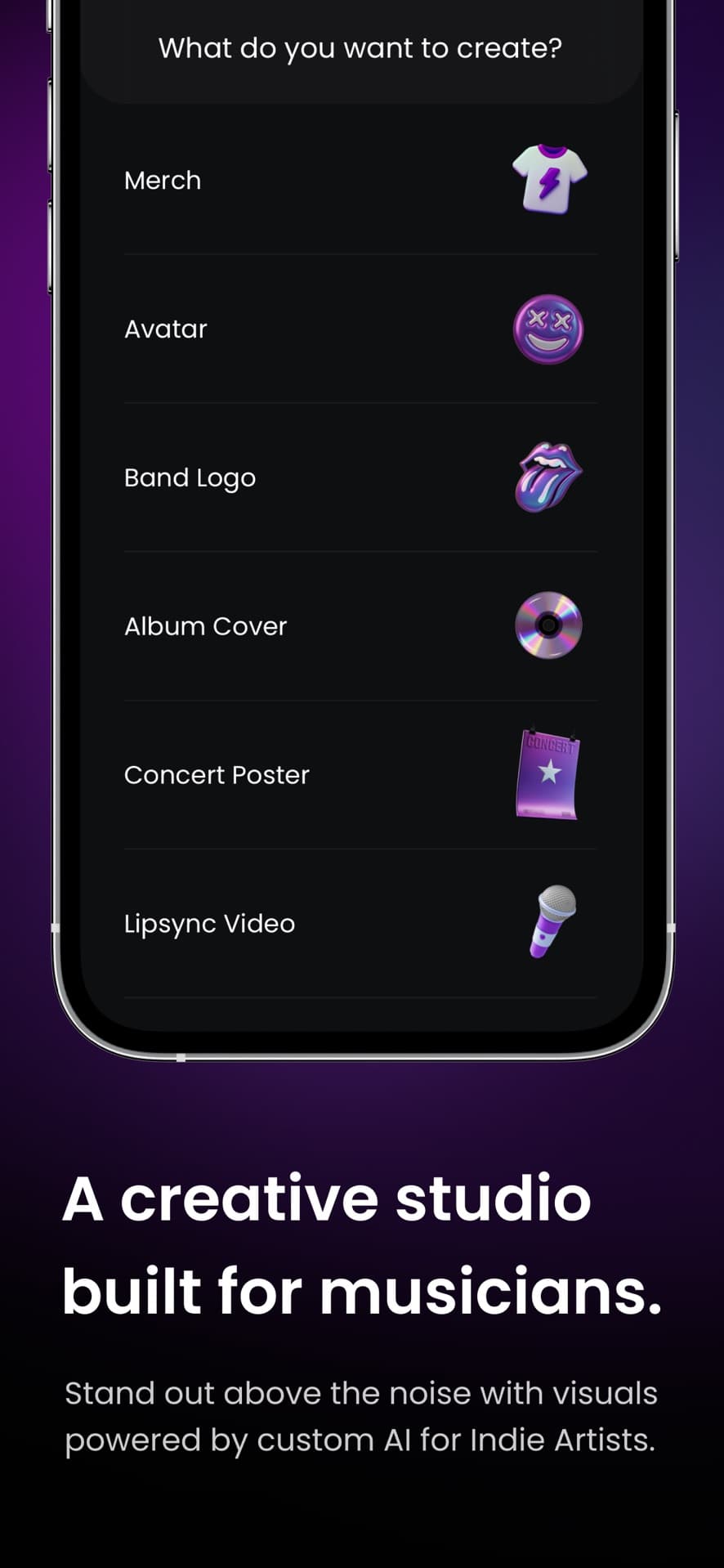
Backstage AI is the musician-first studio from Backstage AI LLC: band merch, album covers, logos, tour posters, and a live zero-inventory shop. Design the look of the record, put it on garments, and sell without holding stock.
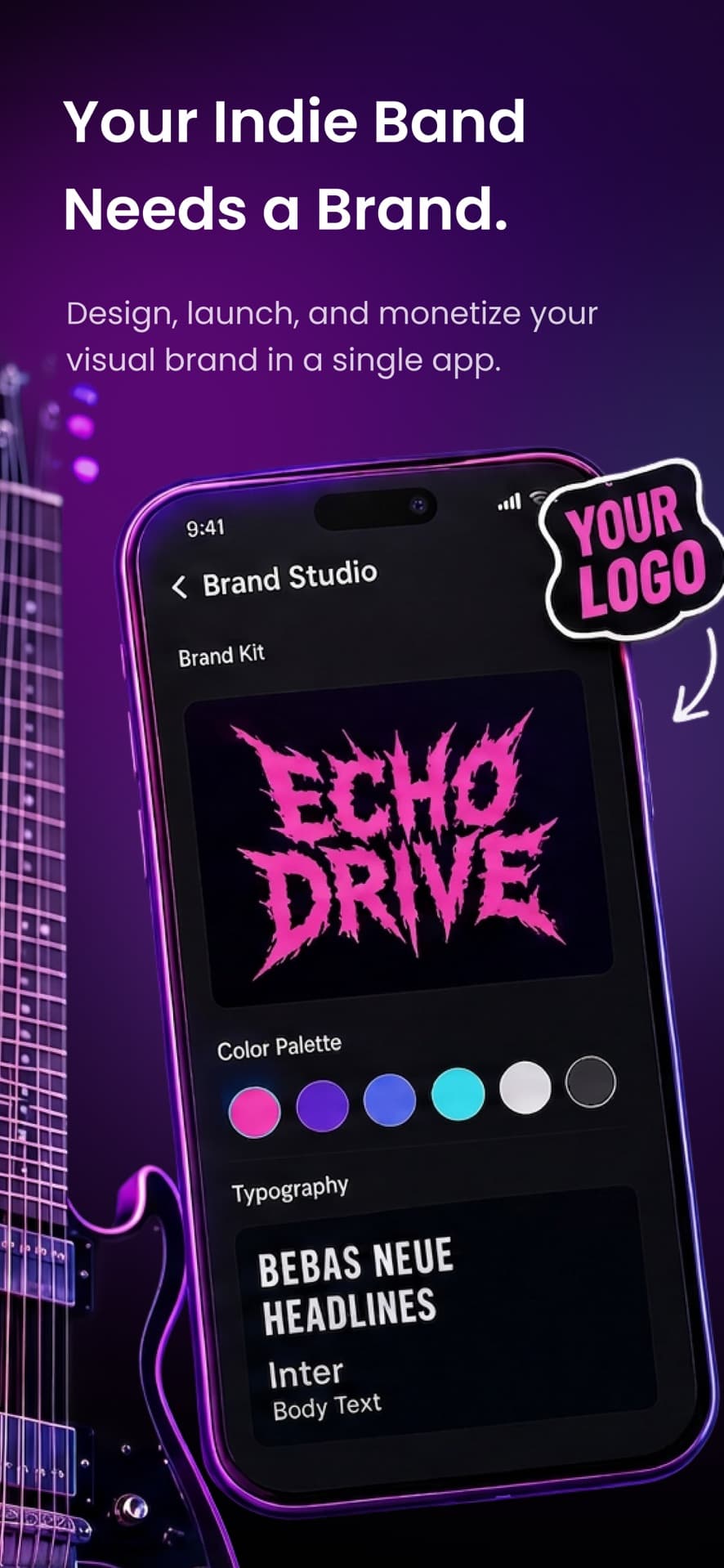
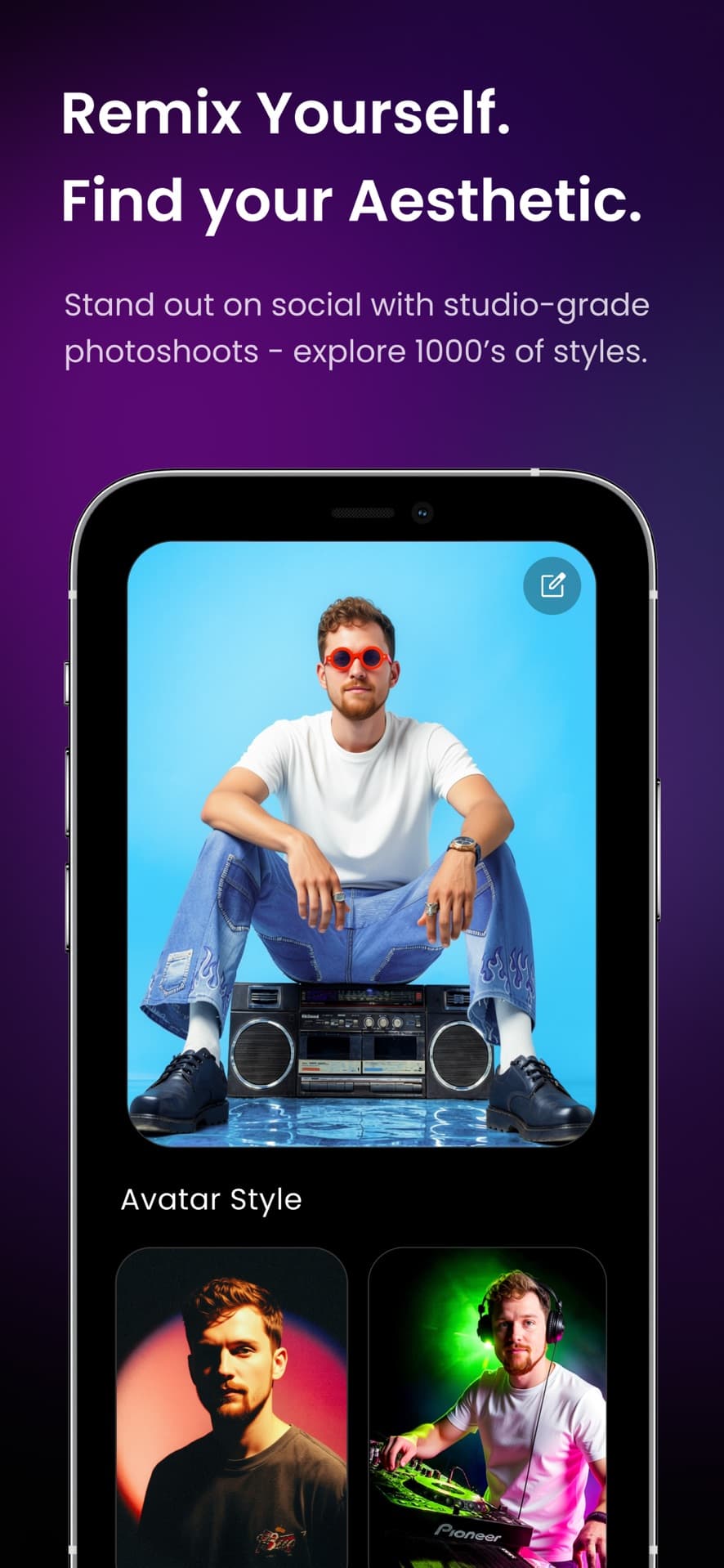
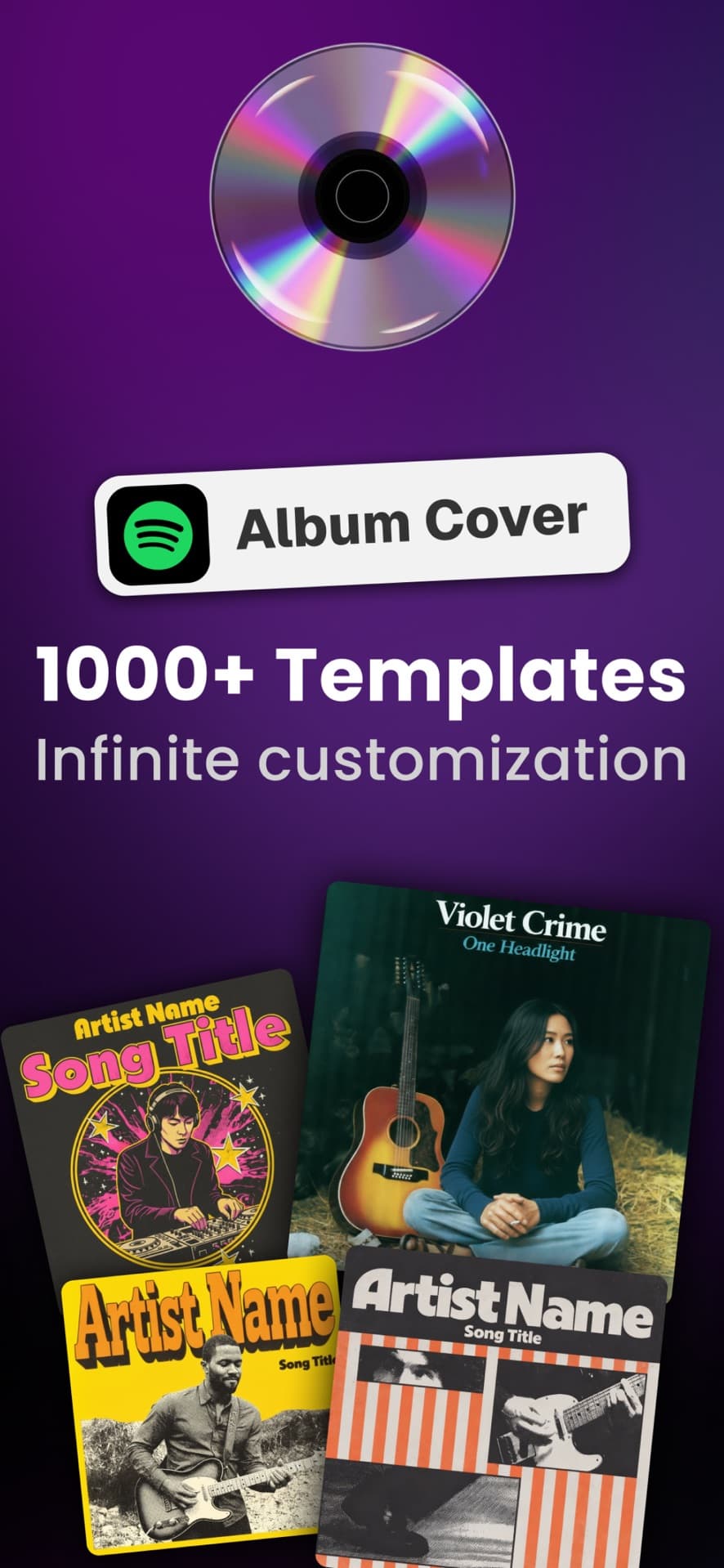
Build the visual identity around the release: album and mixtape covers, band logos, tour flyers, promo stills, and avatars.
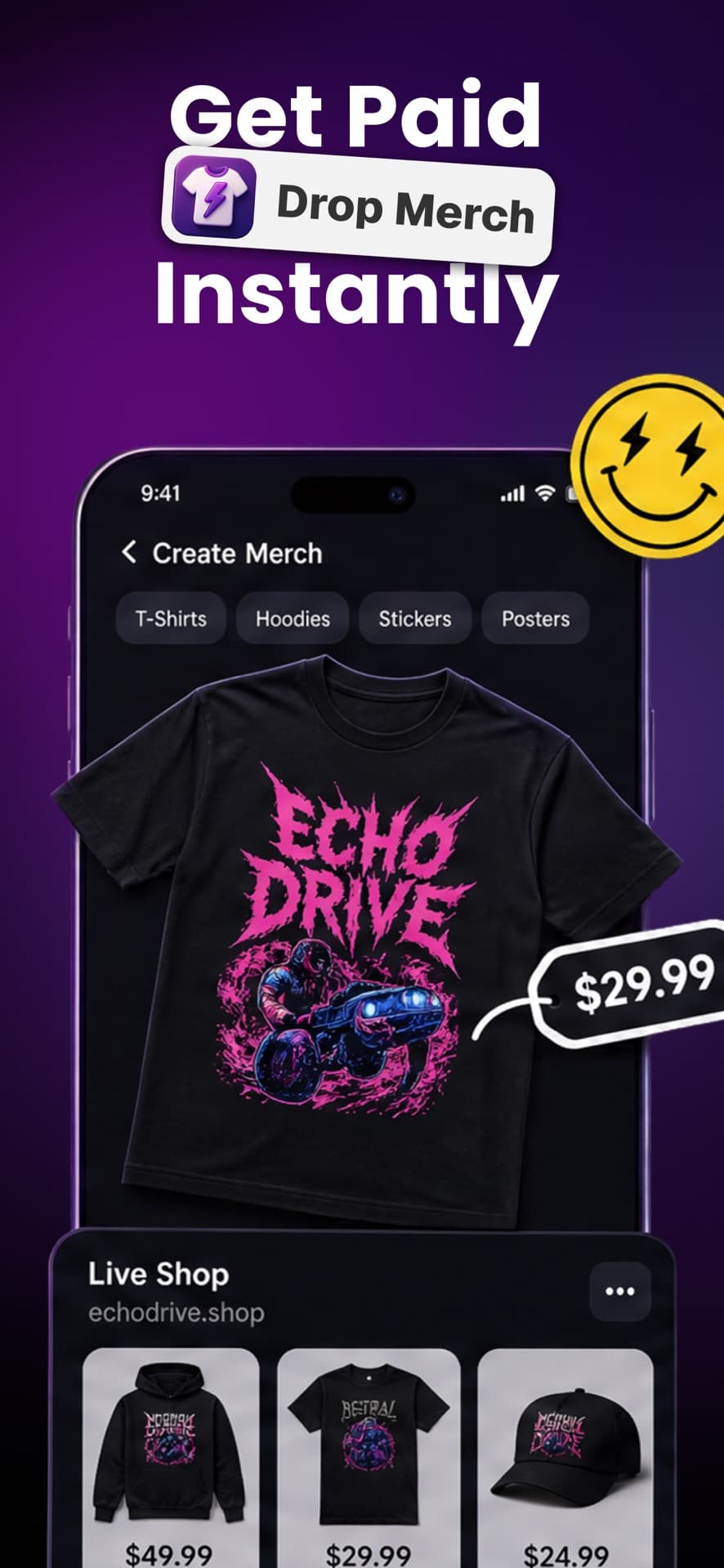
Put the logo on a real garment. Move, scale, and stack it, then crop, erase, remove the background, or modify a layer.
Set the sale price and see production cost and estimated profit. Publish your shop; each order prints after a fan buys.
How it works
01
Start with a cover, logo, poster, or avatar. Choose a template, generate a direction, or upload the logo you already use.
02
Put that identity on shirts, hoodies, and tour gear. Move, scale, and layer it on the real print area instead of accepting the first result.
03
Choose a sale price and see production cost and estimated profit before anything goes live.
04
Share the shop with the ticket link. Each paid order is printed and shipped after it sells — no van full of leftover sizes.
Full walkthrough: how Backstage AI works.
Full control
The placement is yours
Move, scale, and stack the cover or logo on the garment. Crop, erase, remove the background, or modify a layer before you publish.
Tour economics
You are not funding a tub of leftover mediums to look like a real band. The listing can exist before a dollar of fleece is made.
Thumbnail-readable covers and chest-readable tees are different jobs. Preview both before you go live.
Sale price minus [REDACTED] is not a vibe. Confirm it in the app, including the platform cut.
Choose a product
Production Cost: $9.68
Pick your merch, set a price, and forecast daily sales.
Blank
After production · 30 days
$15.32 on the tee
Your monthly earnings
$919.20
Inside the studio
Templates help you begin. The native app lets you decide where the work ends.
Logos and covers
Build the logo around the release.
Avatars
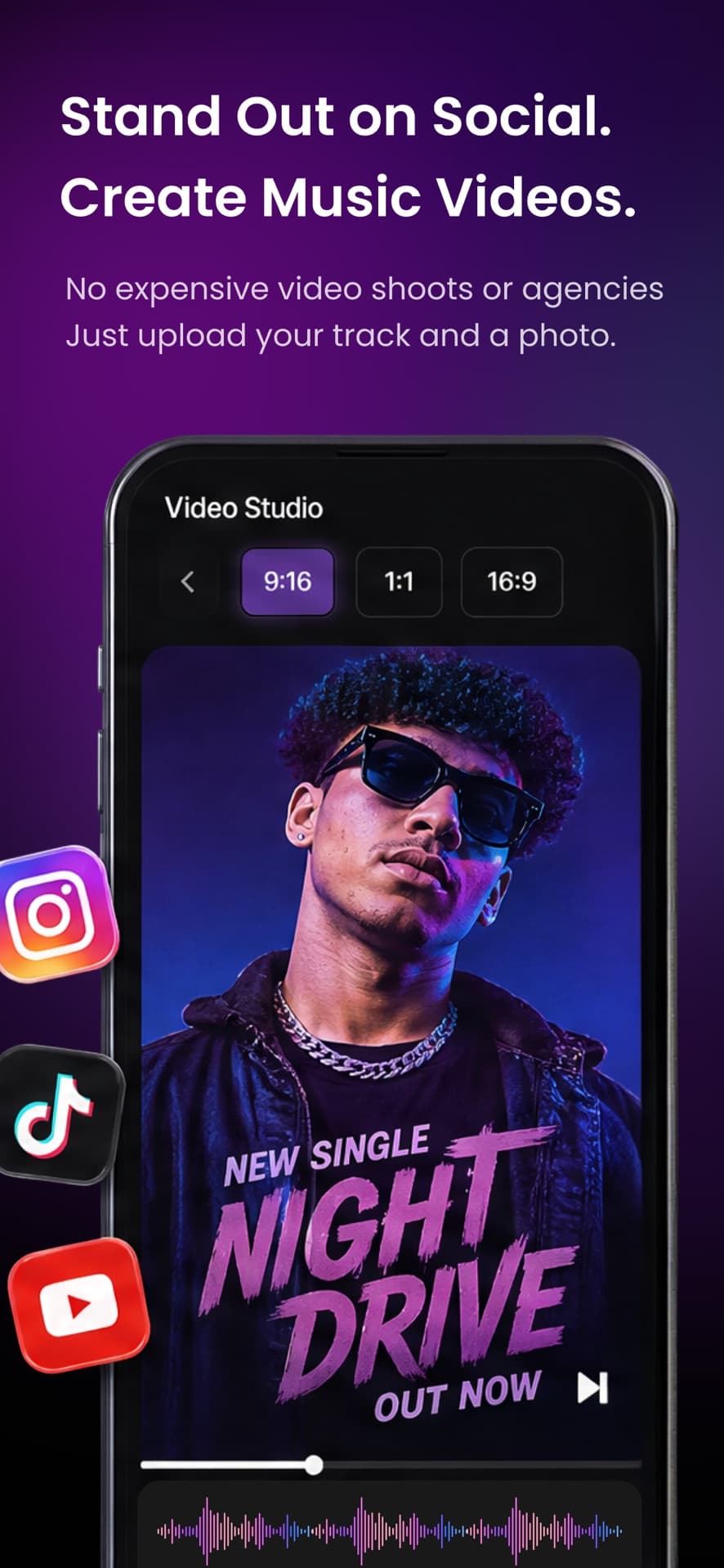
Create looks for covers and social.
Templates and styles
Start with a direction, not a blank prompt.
Your assets
Bring the artwork you already use.
Erase
Clean the asset before it prints.
Remove background
Let the art sit on the fabric.
Modify
Change a layer without starting over.
Live shop
Publish when the product is ready.
Who it’s for
No design team, a show next weekend, and merch that has to look like the project — not clip-art from a catalog.
Covers, playlist art, and a hoodie drop from one studio. Keep the look consistent from DSP to the merch table.
Prototype a tour tee, see the margin, and launch only what you want to sell — without warehousing between dates.
Creators outside music: use MRCH for general merch design and a live store, including the web editor. Same company, same print-on-demand backend — Backstage AI is native on iOS and Android.
Studio surfaces
Start with the look of the release, carry it onto real garments, then price and publish the drop. Nothing is printed until a fan buys.
Backstage AI is the musician-first studio from Backstage AI LLC: band merch, album covers, logos, tour posters, and a live zero-inventory shop. Design the look of the record, put it on garments, and sell without holding stock.
Same company, different apps. MRCH is the general creator merch app (iOS, Android, and web). Backstage AI is musician-first: covers, logos, posters, and merch in one studio, native on iOS and Android. If you are not making music visuals, use MRCH.
Free on the App Store and Google Play. The download page has the listings. Credits pay for generation; merch price, cost, and profit are shown in the app before you launch.
Covers, logos, posters, avatars, fully placed band merch, and a live store — iOS and Android.