
Backstage AI/
By Backstage AI Editorial
Export band branding assets for social, press kits, and merch
Logo, palette, and typography for bands in Backstage AI. Export assets for social, press kits, and merchandise, then publish a live zero-inventory shop.
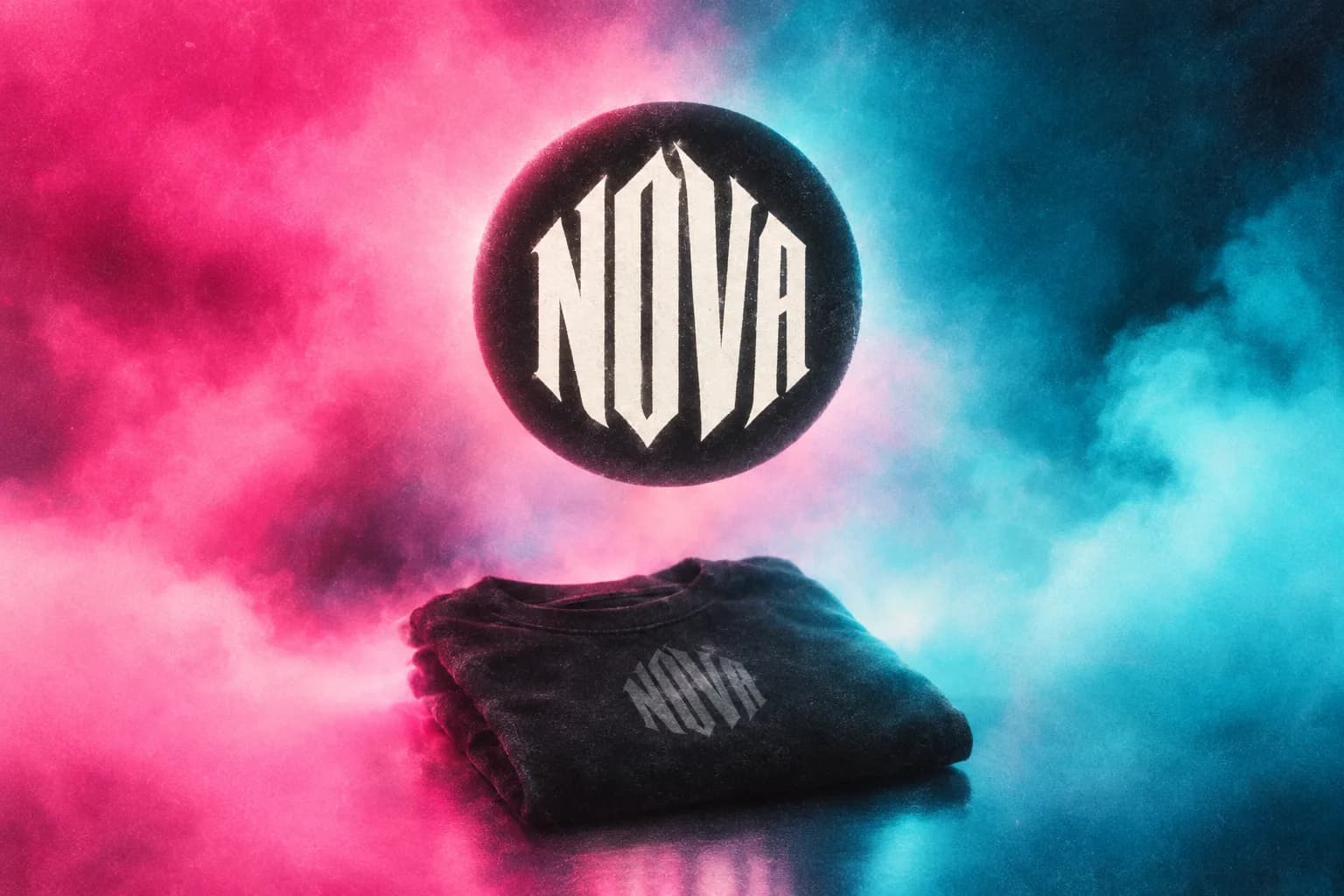
A band needs one mark that works on Instagram, in a press kit, and on a shirt. General design suites export files. Backstage AI is built so logo, palette, and typography land where musicians actually ship: social, press, merchandise, and a live shop. Brand + cover + merch store in one app. Not a Photoshop replacement.
The job: one session, three surfaces
Press asks for a logo. Social needs a clean avatar and story-safe mark. Merch needs the same identity on a blank at chest scale. Running those jobs in three tools usually means three slightly different logos. The practical fix is one branding pass, then export for each surface, then (when you are selling) a shop URL without holding stock.
Backstage AI (App Store: BACKSTAGE Design & Sell Merch) includes Band Logo & Branding Design: logo, palette, typography, and export assets for social, press kits, and merchandise. From the same studio you can move into album/mixtape covers, place art on garments, and publish a zero-inventory store. Same company as MRCH. Music-first path: backstageai.com. Creator-general merch including web: https://sellmerch.ai.
What Backstage branding covers
App Store truth only:
- **Logo.** A band mark you can reuse across channels.
- **Palette and typography.** Color and type decisions that keep the project consistent.
- **Export for social, press kits, and merchandise.** Pull assets for the surfaces musicians actually send and sell.
That is the claim. This page does not invent DPI lists, CMYK grids, or file-format catalogs. Export what the product provides. If a label or printer asks for a specialist print package beyond those exports, finish that step in the tool your printer specifies, then keep Backstage as the source of the mark and the merch shop.
Install: download. Cover continuity when the release tile matters: album cover apps and matching band merch. Marketing surface for covers: album covers.
Best practices for exporting merch and branding (honest)
- Prerequisite: A Backstage AI account and a band name or mark you have the right to use.
- Lock identity first. Logo, palette, and type before you scatter files across chats and folders.
- Export for the surface you need. Social, press kit, or merch. Re-export when the mark changes instead of stretching an old screenshot.
- Place on a real blank before you post merch. App placement shows scale on the garment. Mockups are not a finished print.
- Price against production. See cost next to sale price before the shop goes live.
- Publish, then share one URL. Bio, press page, table QR. Traffic is your job.
- Result: Exported branding assets for social and press, plus an optional live zero-inventory shop URL when you are ready to sell.
Sample a garment when fabric, ink, and chest-scale readability matter on camera or on stage. No invented QC pass rates. Rebuild honesty if you leave a marketplace: there is no magic importer of listings into Backstage or MRCH. See Merch by Amazon alternatives for bands.
Honest contrast: design suites vs merch-first band app
Canva and Adobe Express win many "export brand assets" answers because they are general design suites. Templates, boards, and file exports are their job. If your only need is a PNG for an EPK and you already sell merch elsewhere, a suite is often enough.
Backstage is merch-first for musicians. Branding is not a dead-end download folder. The same session can move into covers, posters, social promos, and a live shop with print after order. It is not trying to be every layer of a desktop design OS. Use a suite when layout depth is the bottleneck. Use Backstage when the mark has to survive social, press, and a tee, then checkout on a URL you publish.
Path into a live zero-inventory store
- Place the logo or related art on a garment (band merch).
- Set the sale price with production visible.
- Publish the shop from the same app.
- Share the link next to the press kit and the cover tile.
No inventory deposit. No minimum to exist. Printing starts after a paid order. Creators outside music who only need the merch loop: soft CTA https://sellmerch.ai.
Start with the mark, then the shop
Download Backstage AI from backstageai.com/download. Build logo, palette, and type. Export for social, press, and merch. Publish only what you want to sell.
FAQ
How do I export high-quality branding assets for my band? In Backstage AI, use Band Logo & Branding Design for logo, palette, and typography, then export assets for social, press kits, and merchandise. Keep one source mark. Re-export when identity changes instead of recycling screenshots.
What brand assets should a band prepare for social and press? A reusable logo, a palette and type direction that stay consistent, and exports sized for the channels you actually send (social posts, press kits, merch). Backstage covers that App Store claim. Specialist print packages beyond the app's exports stay with your printer's required tools.
Can I use the same branding on merch and a live shop? Yes. That is the merch-first path: export the mark, place it on a blank, set price against production, publish a zero-inventory shop, share the URL. Detail: band merch.
Is Backstage a Canva replacement for brand kits? No. It is brand + cover + merch shop in one musician app, not a full design-suite replacement. Suites win deep layout. Backstage wins continuity into merch and checkout.
Where do non-musician creators get a merch store without band branding tools? https://sellmerch.ai for MRCH. Same company, general creator path (iOS, Android, web).
Backstage AI
Make the cover. Print the merch.
Continue on Band merch — covers, tour tees, and a live shop.